16
3.2 Optional Connections
! Audio inputs
Connect the Audio In/Out Connector to an Audio In/Out Cable, and then
connect the audio input connectors of the cable to the audio line-outs from system
cameras or other audio sources. Please make sure to associate the audio inputs
with the cameras in Camera Setup as described in Section 6.2 accordingly.
! Audio output
Connect the Audio In/Out Connector to an Audio In/Out Cable, and then
connect the audio output connectors of the cable to the audio line-ins from
speakers. The user may also use HDMI monitor to output audio.
! Alarm inputs
Connect the alarm inputs to NC and/or NO type of alarm signals. Please make
sure to setup the alarm configurations in Alarm Setup as described in Section 6.3
accordingly.
! Alarm outputs
Connect the alarm outputs to NC or NO type of alarm signal. For NC or NO,
please set the jumper on the internal I/O board. The default setting is NO.
! Ethernet
Connect the Ethernet connector to a standard twisted-pair Ethernet cable for
remote access via LAN or internet. Please make sure to setup the related
configurations as described in Section 6.10 Network Setup.
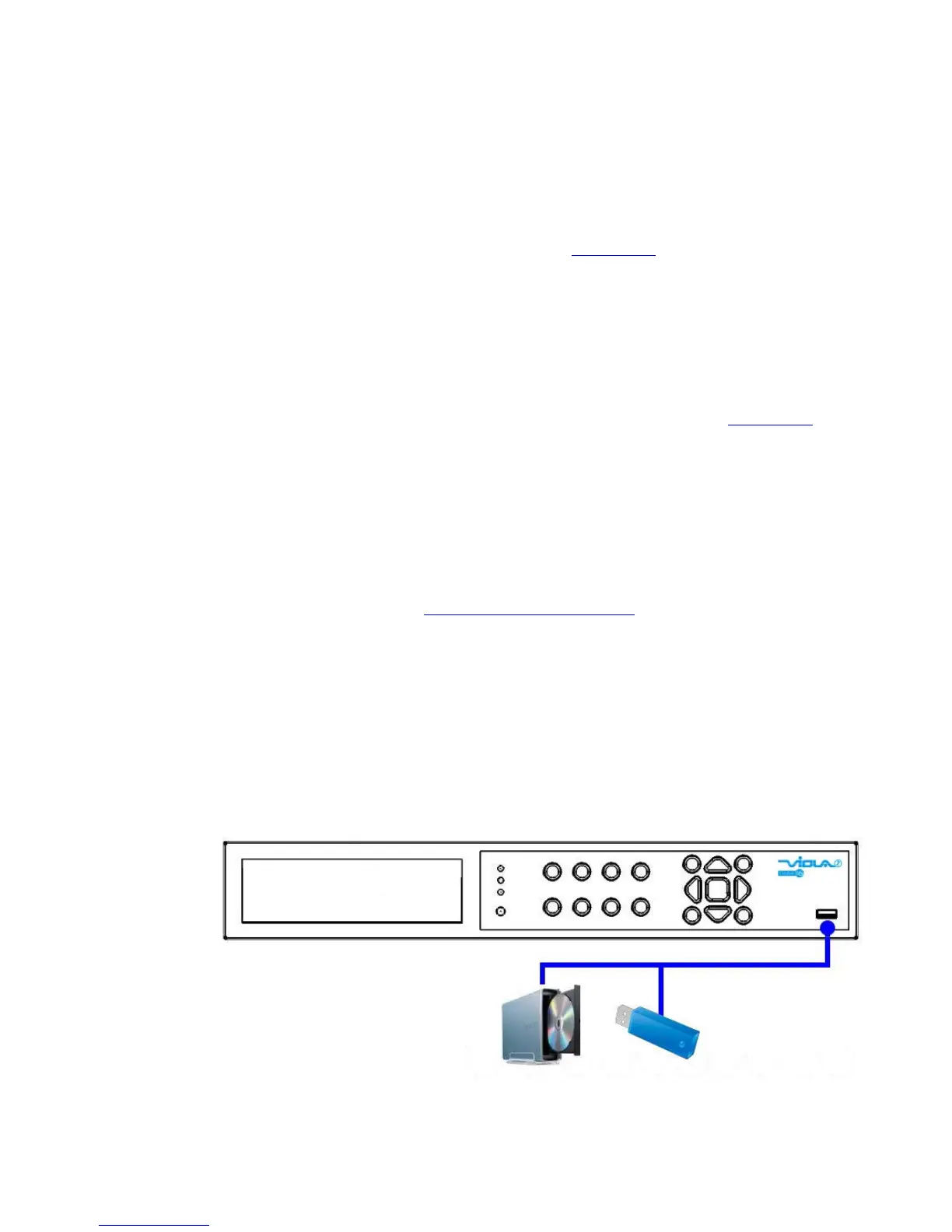
! USB 2.0 disk drives, DVD+RW, card reader, etc.
If the user wants to use USB2.0 peripheral device to retrieve important recorded
images and/or audio, please connect it to the USB port connectors.



 To Next Page