73
Following is a brief description for each item and its specific operations:
! FTP Server – FTP server web/IP address. Please follow the Text Input method
described in Section 4.1 to modify this item.
! FTP Port – the FTP port. The default value is 21. Please follow the Text
Input method described in Section 4.1 to modify this item.
! Username – username for this DVR unit in the FTP server. Please follow the
Text Input method described in Section 4.1 to modify this item.
! Password – password for this DVR unit in the FTP server. Please follow the
Text Input method described in Section 4.1 to modify this item.
! Prefix Of Filename – the prefix of the filenames for the files sent to the FTP
server. If it’s empty, the filenames will be “cam..”; if not, the filenames will be
“Prefix-cam..”. For example, if the prefix is “DVR01”, then the filenames will
be “DVR01-cam..”. Please follow the Text Input method described in Section
4.1 to modify this item.
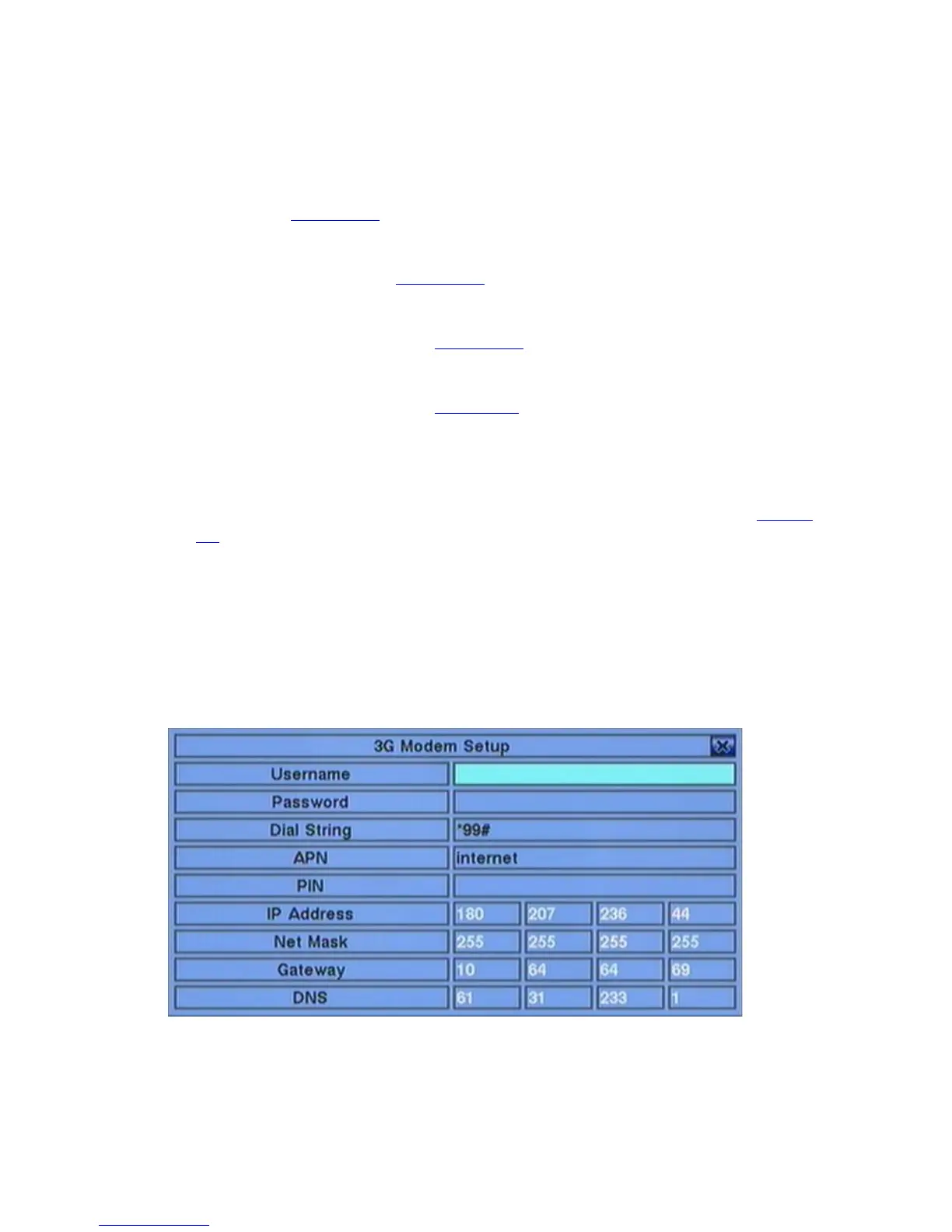
6.10.3 3G Modem Setup
In Network Setup, press ENTER to call up 3G Modem Setup as shown when the
highlighted option is 3G.
The 3G Modem Setup allows the administrator to set 3G modem related parameters if
USB dongle 3G modem is plugged in the USB port.



 To Next Page