23
Press these buttons to control the volume.
! +/- (Mouse: )
Press these buttons to circulate up/down among the available split-window
displays.
! PAGE (I/R remote controller: #, Mouse: current split-window icon)
Press this button for page down in multi-split-window displays.
! ENTER (Mouse: )
Press this button to display the GPS/POS data if there’s GPS/POS data fed to the
DVR. Please select the Type (GPS or POS), Position, Background, Rows, and
number of Characters on the screen, and then press ENTER to display the
GPS/POS data, or ESC to cancel. The user may also enable/disable OSD
display for certain fields in main screen. In GPS/POS display, press !" for
page up/down, press ENTER to close it, or press MENU/SEARCH/.. to call up
the corresponding display as if there’s no GPS/POS display.
4.4 Digital Zoom
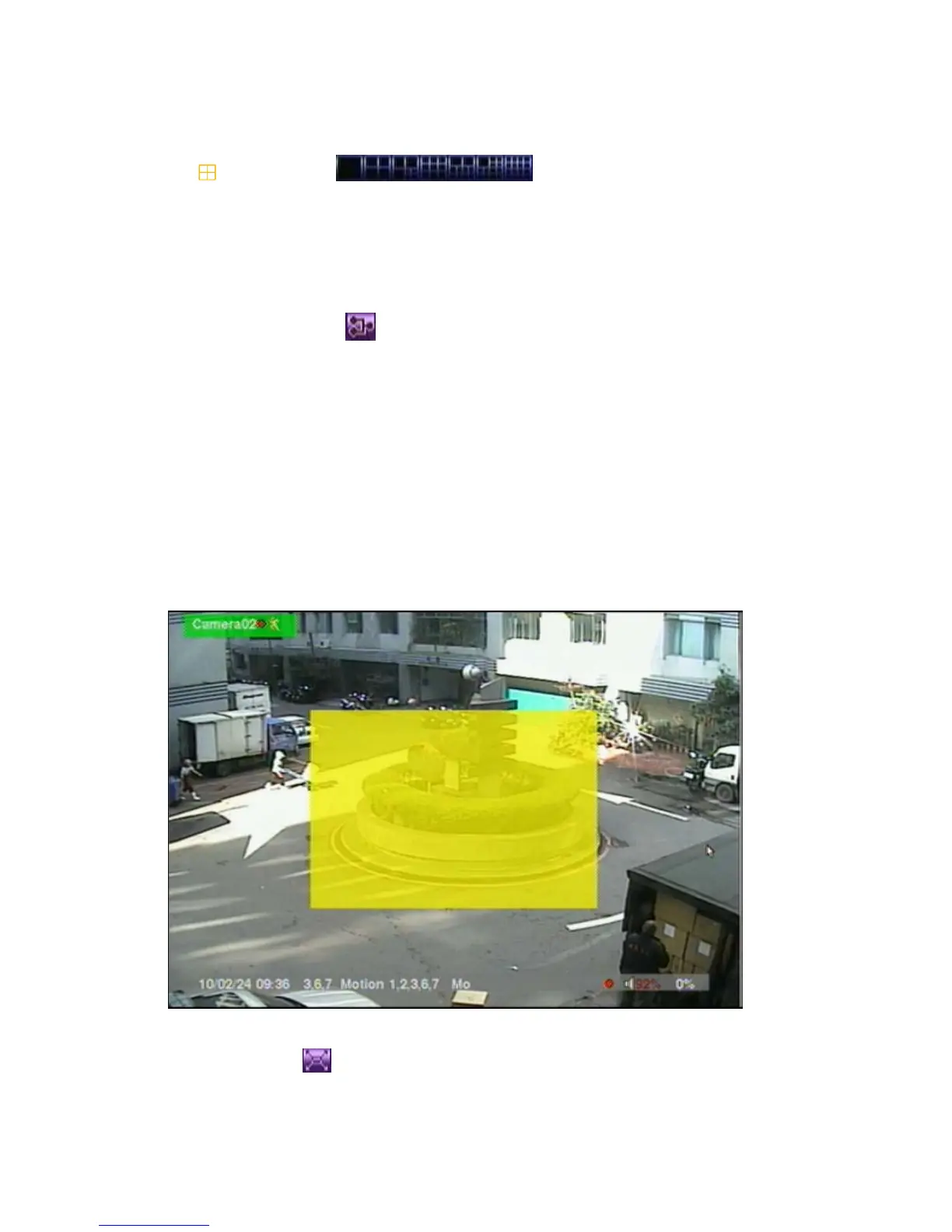
The system supports X2/X4 Digital Zoom function. To use this function, press X2
button (Mouse: ) in full screen display to enter Digital Zoom mode. There will
be a zoom window shown in the video window as shown. The zoom window (a)



 To Next Page