26
5.1 Status Display
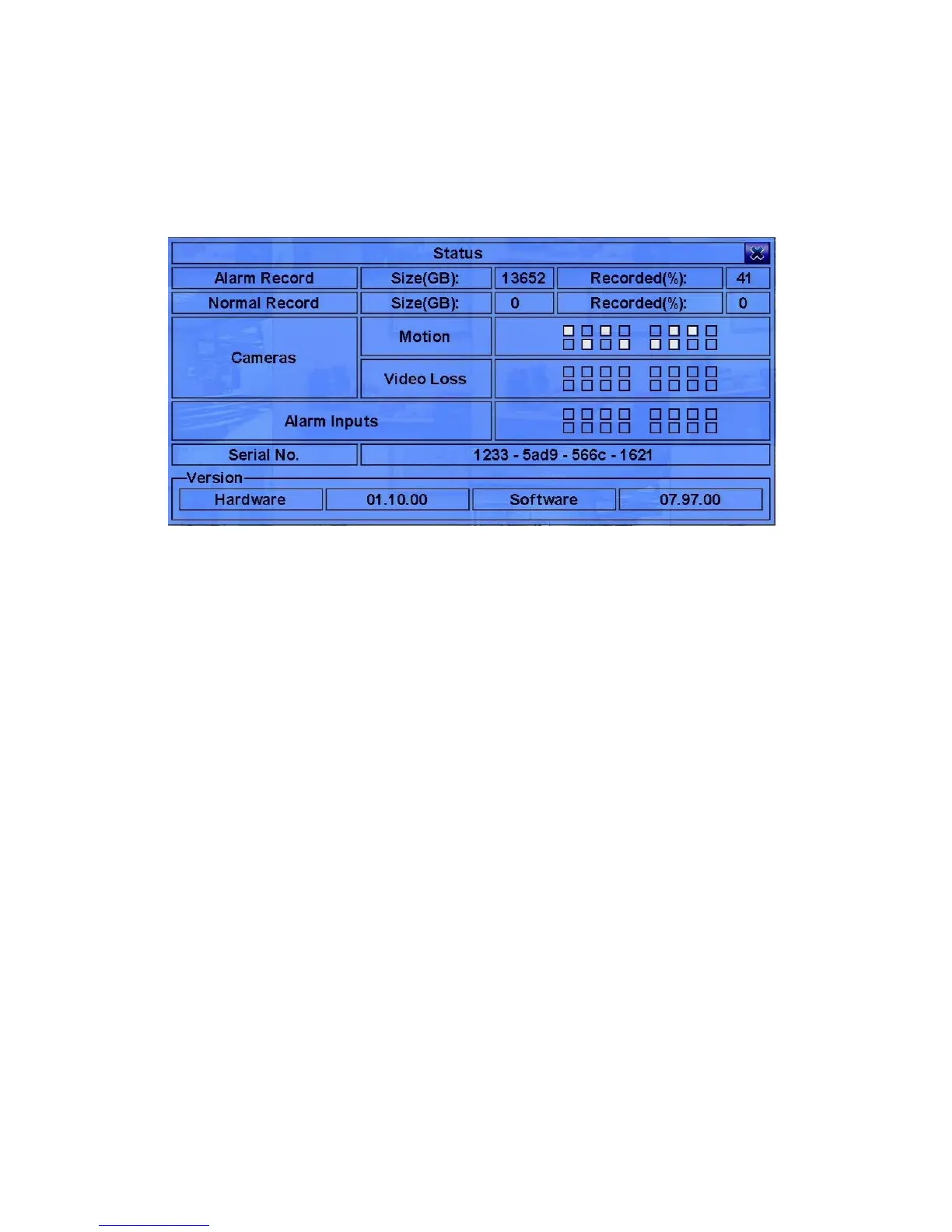
In Menu display, press ▲▼◄► to change the highlighted option to Status, and then
press ENTER to call up Status display as shown.
Status display includes Alarm Recording Status, Normal Recording Status, Camera
Status, Alarm Input Status, Product Serial Number, and Product Version Number.
Press ESC (Mouse: Right Click) to escape from Status display, and return to
Menu display.



 To Next Page