33
5.6 Software Upgrade (Administrator)
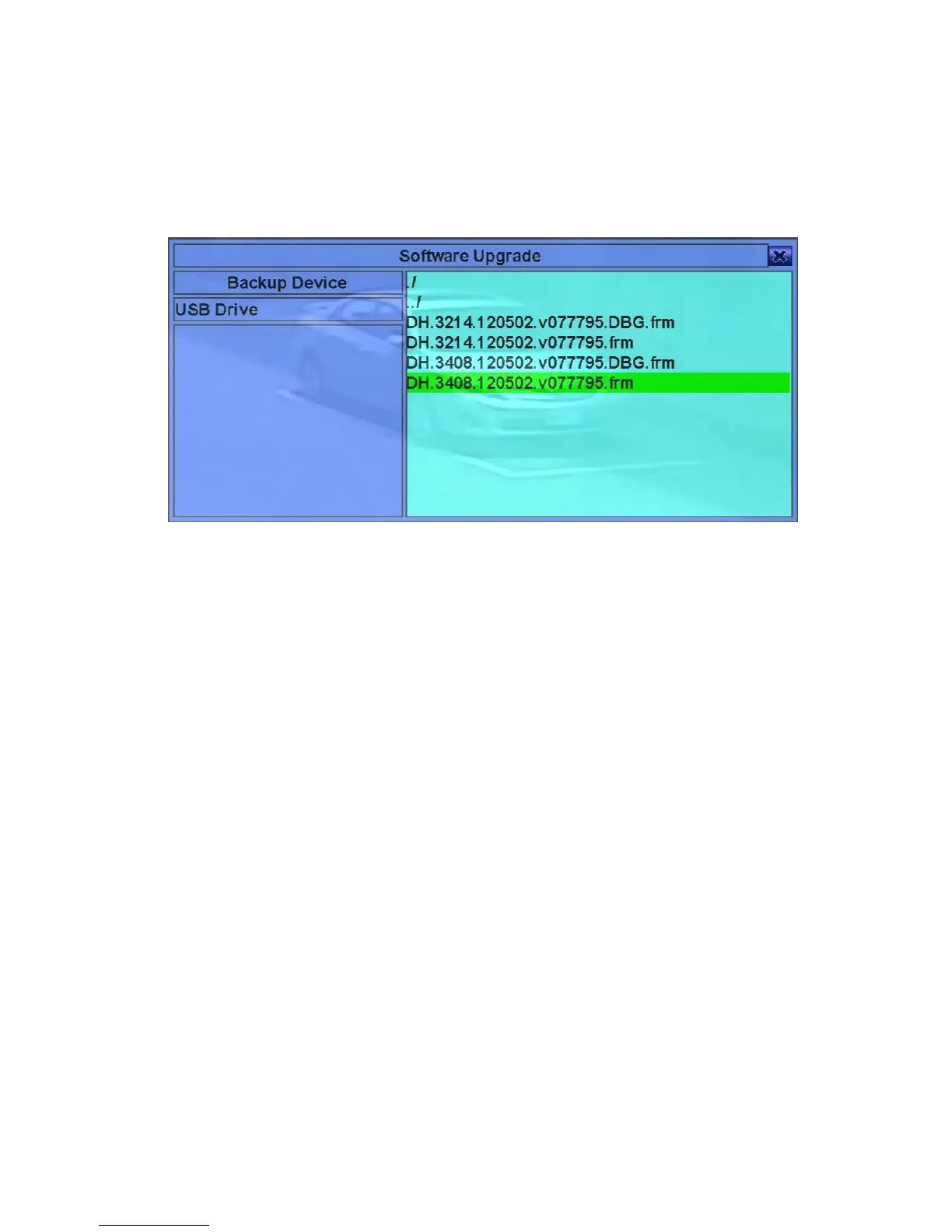
In Menu display, press ▲▼◄► to change the highlighted option to Software
Upgrade, and then press ENTER to call up Software Upgrade display as shown.
The operations are as below:
! ▲▼◄► (Mouse: Left click)
Press these buttons to select the items.
! ESC (Mouse: Right Click)
Press this button to escape from this screen, and return to Menu display.
Following is a brief description for each item and its specific operations:
! USB Device – press ENTER (Mouse: Left click) to call up USB Device dialog
(if there’s no USB device connected).
! Disk Storage – to select the disk storage to upgrade. Press +/- buttons to select
the available storage.
! Upgrade File – press ENTER (Mouse: Left click) to start the upgrade process
when the highlighted file is a correct upgrade file. A confirmation dialog will be
shown on the screen, press ENTER to confirm to upgrade the system software.
Note : After the software is upgraded, the system will restart immediately. The
split window display will be shown after restart, please wait a moment.



 To Next Page