86
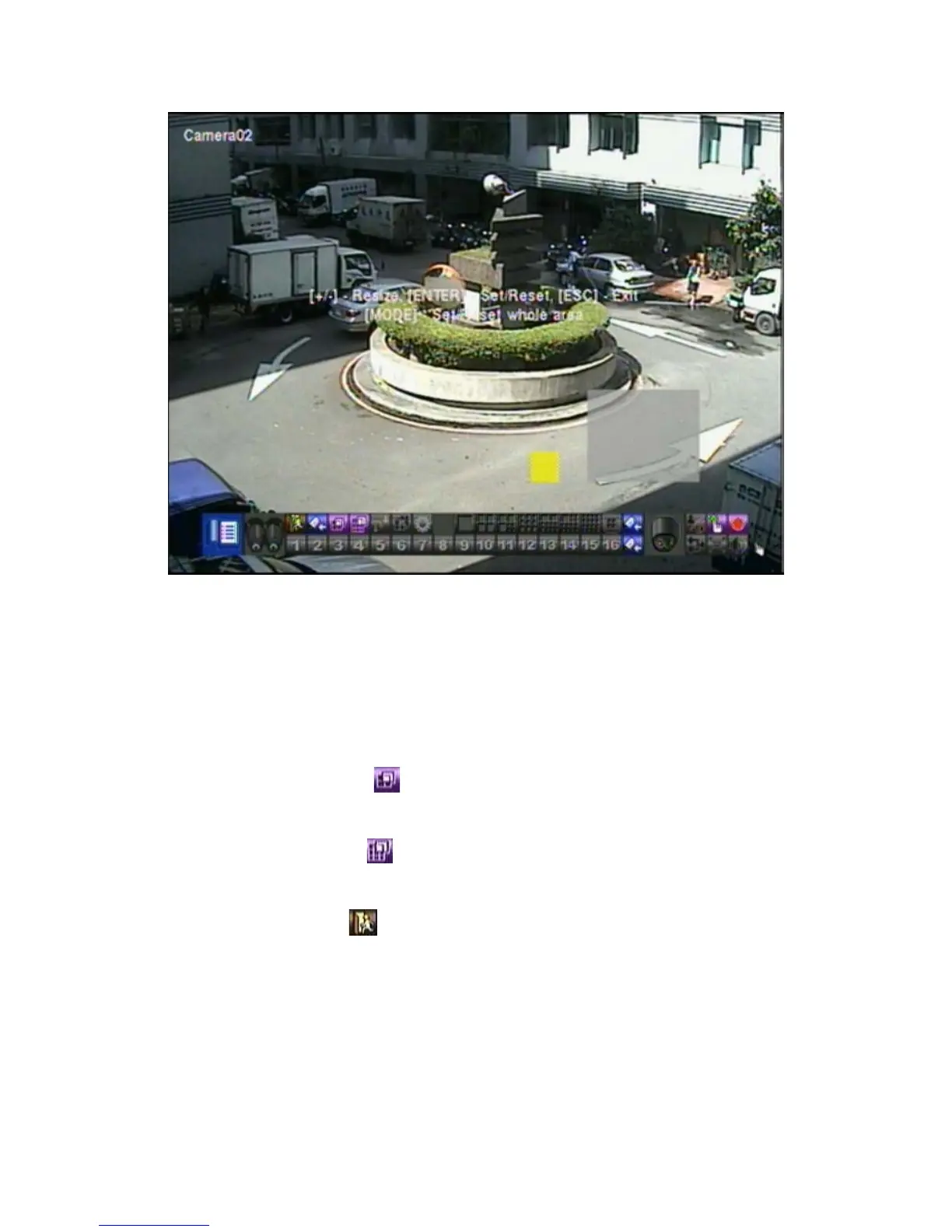
Following is a brief description for the operations:
! ▲▼◄►
Press these buttons to move the Mask window.
! +/- (Mouse: Left click and drag)
Press these buttons to resize the Mask window.
! ENTER (Mouse:
)
Press this button to set/reset the area under the Mask window.
! MODE (Mouse:
)
Press this button to set/reset the whole video area.
! ESC (Mouse: or Right Click)
Press this button to escape from Motion Area Setting screen, and return to
Smart Search screen.



 To Next Page