13
© 2011 Directed Electronics. All rights reserved.
Low battery indicator
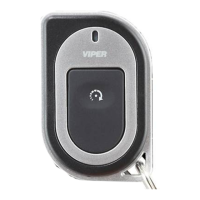
When the batteries are low, the 2- way remote emits two groups of beeps,
the LED flashes, and additional horn honks are emitted when unlocking. It
is time to change the batteries. When the battery is low on the 1- way remote
the only indication is additional horn honks emitted when unlocking.
Note: Horn honk is an optional feature.
Battery Replacement
+
1-800-274-0200
RPN 7152P
IC: 1513A-7152
FCC ID:EZSDEI7152
BATTERY: CR2032
A U X
Battery
Cover
Battery
Clip
Rear View
+
1 2
Side View Rear View
1
2
Rear View
1 2
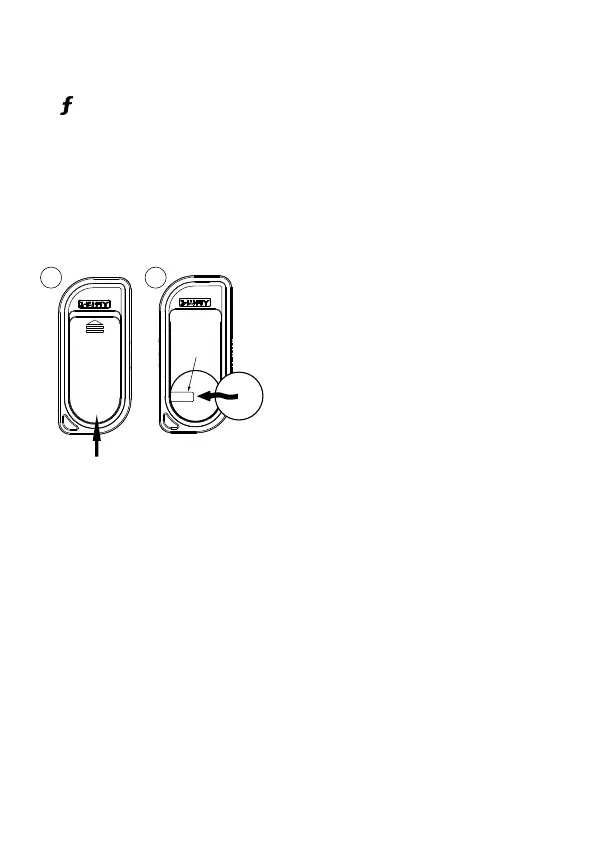
1. Slide the battery cover up by applying
equal pressure at its top and bottom (the
arrow on the cover indicates the direction),
remove the cover from the remote control
housing.
2. Gently pry up on the battery to remove
it from the holder. Insert a new battery into
the holder and under the clip with the posi-
tive (+) side up. Replace the battery cover.
The remote control is now ready for use.



 To Next Page