EasyManua.ls Logo

Viper AS6690T - User Manual

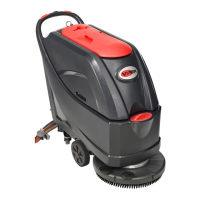
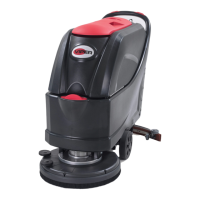
Viper AS6690T
33 pages
Print Icon
To Next Page IconTo Next Page
Loading...
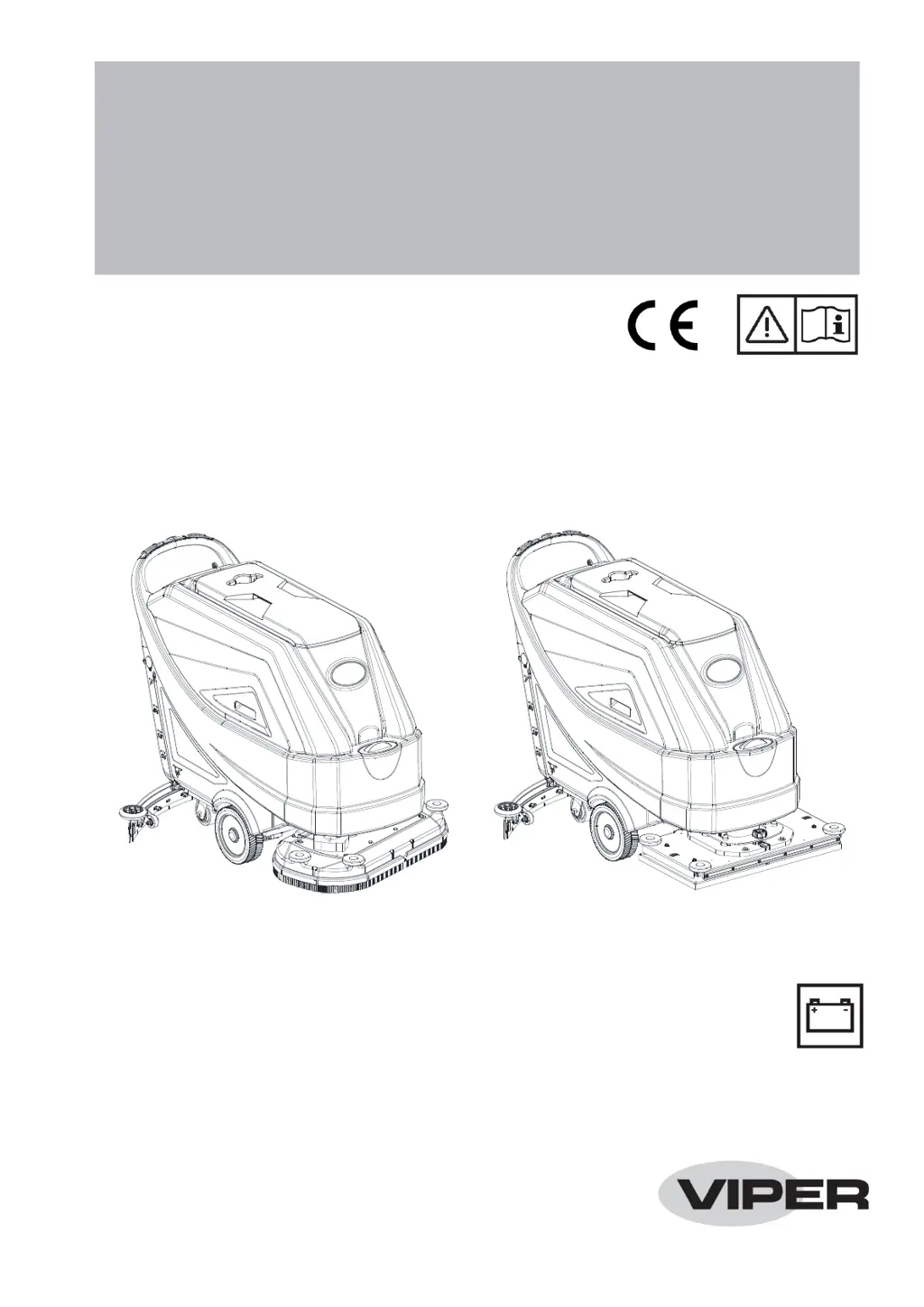
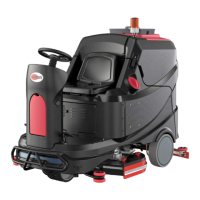
AS7190TO
AS6690T & AS7690T
AS6690T & AS7690T / AS7190TO
INSTRUCTION FOR USE
Model No.: 50000569/50000570/50000571/50000575
VS14024 Rev A

Other manuals for Viper AS6690T

Questions and Answers

  • L
    Lori FlowersAug 4, 2025
    How to fix squeegee marks on the floor from Viper AS6690T?
    • N
      Natalie PollardAug 4, 2025
      If the squeegee on your Viper Scrubber leaves marks on the floor, it could be due to debris under the squeegee blades, or the blades may be worn, chipped, or torn. Remove any debris and replace the blades if necessary. Also, make sure that the squeegee has been adjusted with the knob; if not, adjust it.
  • W
    Whitney LynnAug 9, 2025
    Why is the recovery water vacuuming insufficient in my Viper AS6690T?
    • N
      Nathan TravisAug 10, 2025
      If the recovery water vacuuming is insufficient in your Viper Scrubber, several factors could be at play. The recovery water tank might be full, requiring you to empty it. Alternatively, the hose could be disconnected from the squeegee, so ensure it's properly connected. Check for clogs in the vacuum grid or a stuck float, cleaning as necessary. Inspect the squeegee for dirt or damage to the blades, cleaning or replacing them as needed. Confirm that the tank cover is correctly closed and the gasket is intact; also, check the standpipe tube for clogs. Finally, verify that the vacuum hose isn't clogged and clean it if it is.
  • I
    ismithAug 16, 2025
    What to do if the motors do not work and there is an error code on the display of my Viper AS6690T Scrubber?
    • J
      John ClarkAug 16, 2025
      If your Viper Scrubber's motors aren't working and an error code is displayed, it could be due to a few reasons. First, check if the battery connector is disconnected and connect it if it is. Second, the batteries might be completely discharged, requiring you to charge them. Finally, try restarting the machine.
  • J
    james22Aug 22, 2025
    What to do if my Viper Scrubber does not move?
    • S
      Steven McculloughAug 22, 2025
      If your Viper Scrubber doesn't move, it might be because the machine was turned on using the ignition key while keeping one of the switches pressed. To resolve this, turn the ignition key to “0” and then try starting the machine again without pressing any switches.
  • D
    Dr. Christopher GarciaAug 28, 2025
    What to do if the solution flow to the brushes is insufficient in Viper AS6690T Scrubber?
    • L
      Lisa KeyAug 28, 2025
      If the solution flow to the brushes is insufficient in your Viper Scrubber, the solution/clean water filter might be dirty. Try cleaning the filter.

Summary

Declaration of Conformity

Safety Information

Visible Symbols on the Machine

Explains symbols like Danger, Warning, Caution, and Note found on the machine.

Symbols on Instruction for Use

Explains symbols like Danger, Warning, Caution, Note, and Consultation used in the manual.

General Safety Instructions

Safety Warnings and Precautions

Lists crucial safety warnings for operation, maintenance, and environment.

Machine Description

Machine Structure (Figure 2)

Control Panel Overview

Control Panel Layout and Display (Figure 3)

Describes the multifunction display, buttons, and indicators of the control panel.

Working Mode Description

How to Operate Working Modes

Explains the operation of Normal, Silent, Off, and ECO modes with display indicators.

Operating Guide

Battery Check and Setting

Instructions for checking and setting batteries on a new machine.

Battery Installation and Type Setting

Brush and Pad Installation

Squeegee and Tank Operations

Machine Start and Stop

Explains the procedure for starting and stopping the machine.

Machine Operation and Stopping

Machine Operation (Scrubbing and Drying)

Guides on how to perform scrubbing and drying operations with the machine.

Tank Emptying Procedure

Post-Operation Procedures

Maintenance

Scheduled Maintenance Table

A table outlining the scheduled maintenance tasks and their frequency.

Battery Charging Procedure

Cleaning Procedures

Squeegee and Hour Checks

Troubleshooting Common Issues

Error Code of Display

Viper AS6690T Specifications

General IconGeneral
ModelAS6690T
CategoryScrubber
Power SourceBattery
Solution tank90 L
Brush speed180 rpm
Voltage24 V
Battery capacity240 Ah
Water Tank Capacity90 L
Run Time4 hours
Scrubbing width66 cm
Weight250 kg
Charging Time10 hours

Related product manuals