EasyManua.ls Logo

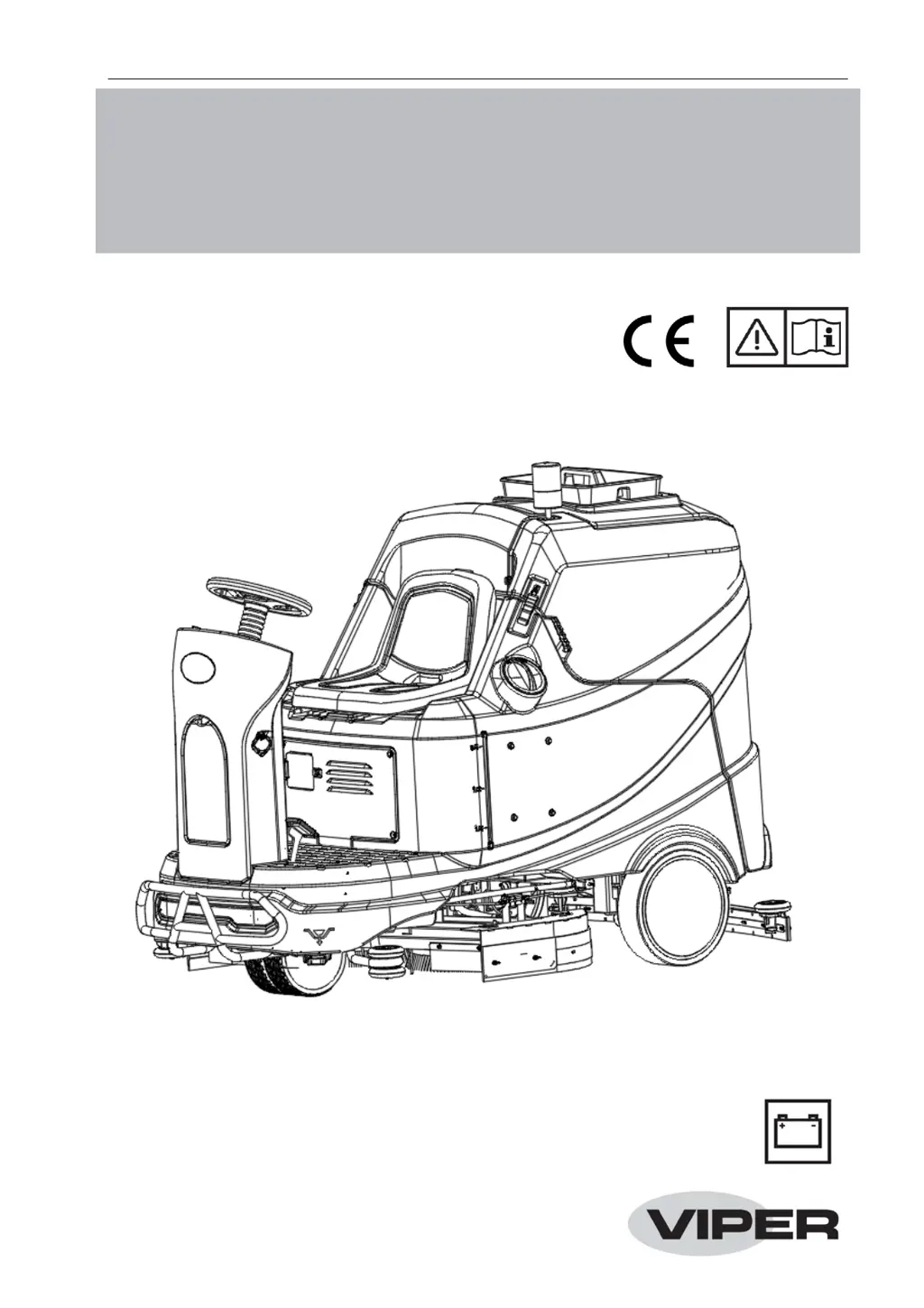
Viper AS1050R - User Manual

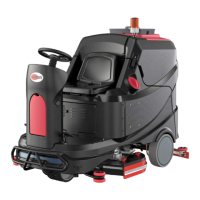
Viper AS1050R
28 pages
Print Icon
To Next Page IconTo Next Page
Loading...
AS1050R
INSTRUCTION FOR USE
Model No.: 50000594
VR41009 Rev. 03 JUNE 2021
Original instructions

Other manuals for Viper AS1050R

Questions and Answers

  • C
    cmitchellAug 5, 2025
    Why is the recovery water vacuuming insufficient in my Viper AS1050R?
    • R
      Ryan LewisAug 5, 2025
      Insufficient recovery water vacuuming in your Viper Scrubber can occur due to several reasons: - The recovery water tank might be full, requiring you to empty it. - The vacuum hose might be clogged, requiring cleaning. - The hose could be disconnected from the squeegee, so ensure it's properly connected. - The debris collection box could be full, or the squeegee hose outlet might be clogged, requiring you to clean them. - The squeegee could be dirty, or its blades might be worn or damaged, so clean and inspect it. - The tank lid might not be properly closed, the gasket could be damaged, or the standpipe tube could be clogged. Ensure the lid is closed correctly, replace the gasket if damaged, and clean the bend tube.
  • K
    Kellie TaylorAug 10, 2025
    How to resolve squeegee marks on the floor with my Viper AS1050R?
    • J
      Jacob MckinneyAug 10, 2025
      If the squeegee on your Viper Scrubber is leaving marks on the floor, try these solutions: - Remove any debris under the squeegee blades. - Replace the squeegee blades if they are worn, chipped, or torn. - Adjust the squeegee using the adjustment knob. - Ensure the side splashguards are properly adjusted.
  • C
    Christopher TownsendAug 16, 2025
    What to do if my Viper AS1050R machine does not move?
    • N
      Natalie MasonAug 16, 2025
      If your Viper Scrubber isn't moving, check these potential causes: - Ensure the ignition key is turned on. - Verify the emergency button is not pressed; release it if it is. - Make sure the operator is seated properly on the seat.
  • T
    Terry LambAug 23, 2025
    Why motors do not work and error code is on display of my Viper Scrubber?
    • A
      Amber BrownAug 23, 2025
      If the motors aren't working and there's an error code on the display of your Viper Scrubber, consider these possibilities: - The battery connector might be disconnected; ensure it is properly connected. - The batteries could be completely discharged; charge them fully. - Restart the machine.
  • R
    Ryan WilliamsAug 28, 2025
    What to do if the solution flow to the brushes is insufficient in my Viper AS1050R?
    • E
      Erica PerryAug 28, 2025
      If the solution flow to the brushes is insufficient in your Viper Scrubber, check these items: - The solution/clean water filter might be dirty; clean the filter. - The pump or valve might be broken; replace the broken one.

Summary

Safety

General Safety Instruction

Provides comprehensive safety warnings and precautions for machine operation and maintenance.

Visible Symbols on the Machine

Explains warning symbols displayed directly on the machine for safe operation.

Machine Description

Control Panel Overview

Describes the layout and functions of the machine's control panel.

Technical Parameters

Lists the detailed technical specifications and parameters of the machine.

Working Mode Description

Normal Mode

Details operation in normal mode, including display indicators and brush action.

Silent Mode

Explains operation in silent mode, including display indicators and brush action.

Technical Parameters

Wiring Diagram

Operating Guide

Battery Installation and Battery Type Setting

Details the procedure for installing batteries and selecting the correct battery type.

Maintenance

Scheduled Maintenance Table

Outlines regular maintenance tasks with their recommended frequency.

Troubleshooting

Motors Do Not Work; Error Code on Display

Addresses issues where motors fail to operate or error codes appear on the display.

Error Code of Display

Lists specific error codes and their probable causes and remedies.

Viper AS1050R Specifications

General IconGeneral
ModelAS1050R
CategoryScrubber
BrandViper
Brush speed (RPM)180
Sound level (dB(A))69

Related product manuals