EasyManua.ls Logo

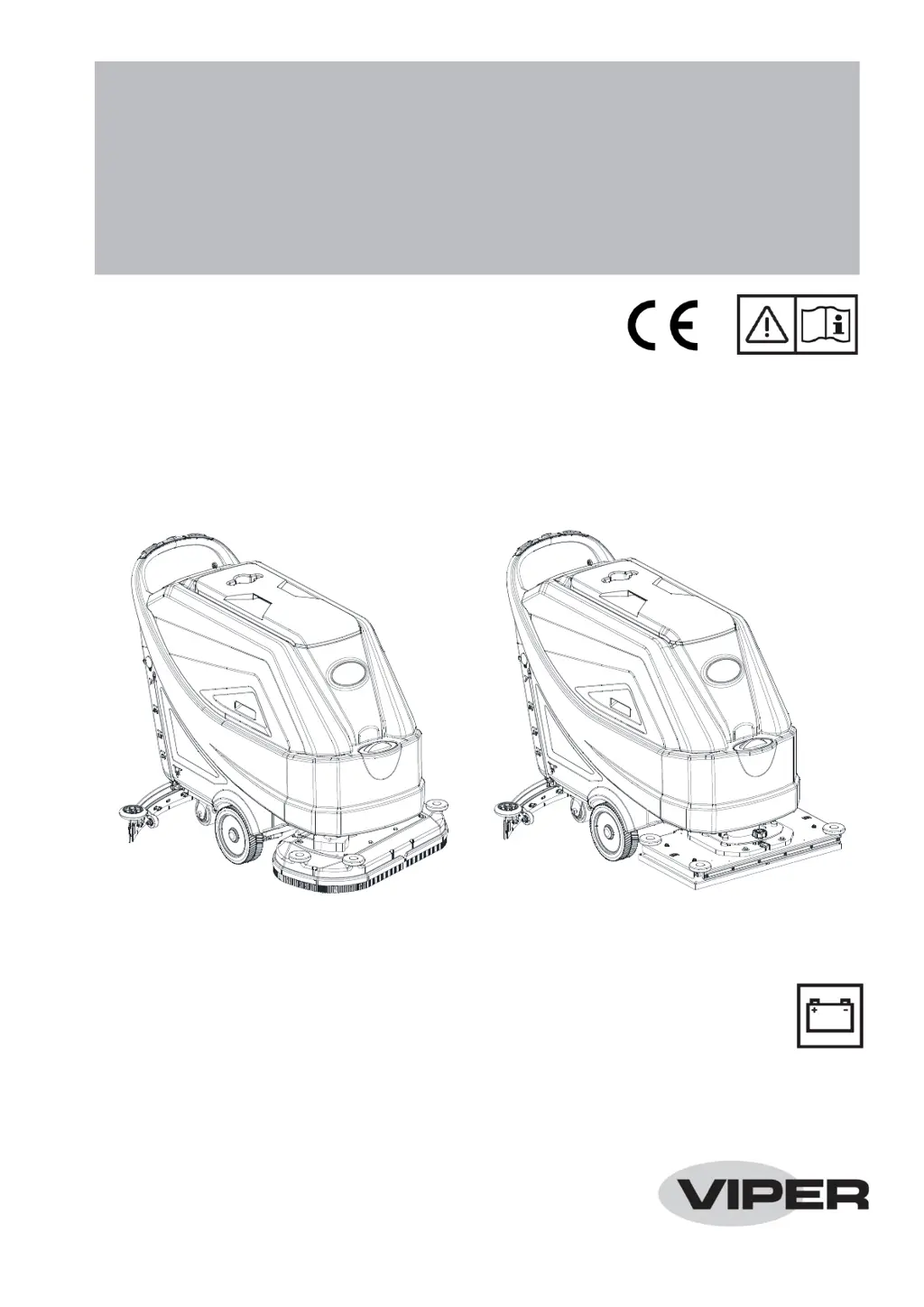
Viper AS7690T - User Manual

Viper AS7690T
33 pages
Print Icon
To Next Page IconTo Next Page
Loading...
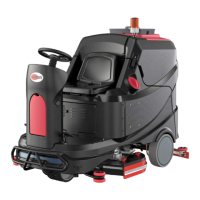
AS7190TO
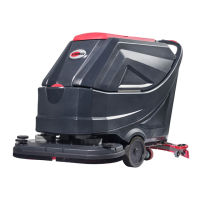
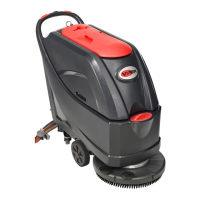
AS6690T & AS7690T
AS6690T & AS7690T / AS7190TO
INSTRUCTION FOR USE
Model No.: 50000569/50000570/50000571/50000575
VS14024 Rev A

Other manuals for Viper AS7690T

Questions and Answers

  • M
    Mrs. Laurie ParkerAug 9, 2025
    How to fix squeegee marks on the floor from Viper Scrubber?
    • K
      Kelly AlvarezAug 9, 2025
      If the squeegee on your Viper Scrubber leaves marks on the floor, it could be due to debris under the squeegee blades, or the blades may be worn, chipped, or torn. Remove any debris and replace the blades if necessary. Also, make sure that the squeegee has been adjusted with the knob; if not, adjust it.
  • S
    Shawna McintoshAug 15, 2025
    Why is the recovery water vacuuming insufficient in my Viper AS7690T?
    • R
      Randall WyattAug 15, 2025
      If the recovery water vacuuming is insufficient in your Viper Scrubber, several factors could be at play. The recovery water tank might be full, requiring you to empty it. Alternatively, the hose could be disconnected from the squeegee, so ensure it's properly connected. Check for clogs in the vacuum grid or a stuck float, cleaning as necessary. Inspect the squeegee for dirt or damage to the blades, cleaning or replacing them as needed. Confirm that the tank cover is correctly closed and the gasket is intact; also, check the standpipe tube for clogs. Finally, verify that the vacuum hose isn't clogged and clean it if it is.
  • N
    Nathan GregoryAug 21, 2025
    What to do if the motors do not work and there is an error code on the display of my Viper AS7690T Scrubber?
    • A
      Alicia SantiagoAug 21, 2025
      If your Viper Scrubber's motors aren't working and an error code is displayed, it could be due to a few reasons. First, check if the battery connector is disconnected and connect it if it is. Second, the batteries might be completely discharged, requiring you to charge them. Finally, try restarting the machine.
  • P
    pramseyAug 27, 2025
    What to do if my Viper Scrubber does not move?
    • B
      Brittany BaileyAug 27, 2025
      If your Viper Scrubber doesn't move, it might be because the machine was turned on using the ignition key while keeping one of the switches pressed. To resolve this, turn the ignition key to “0” and then try starting the machine again without pressing any switches.
  • S
    Shelby CarrollSep 1, 2025
    What to do if the solution flow to the brushes is insufficient in Viper Scrubber?
    • G
      gloria32Sep 1, 2025
      If the solution flow to the brushes is insufficient in your Viper Scrubber, the solution/clean water filter might be dirty. Try cleaning the filter.

Summary

Safety Information and Visual Guides

Machine Safety Symbol Identification

Explains warning symbols displayed on the machine itself.

General Operational Safety

Critical Safety Warnings and Hazards

Highlights severe risks including electrocution, fire, and hazardous environments.

Essential User Safety Precautions

Provides essential precautions for safe machine operation and user protection.

Machine Structure and Components

Control Panel Operation and Display

Machine Working Mode Descriptions

Normal, Silent, and Off Mode Operation

Details how to operate the machine in Normal, Silent, and Off modes.

ECO, Reverse, and Floor Prep Modes

Explains operation in ECO, Reverse, and Floor Prep modes.

Advanced Operating Modes

Technical Specifications and Parameters

Battery Installation and Configuration

Battery Installation and Type Selection

Guides on installing batteries and their compatibility (WET, GEL, AGM).

Battery Setup and Management

Detailed Battery Installation Steps

Step-by-step guide for installing batteries into the machine.

Setting Battery Type and Charger

Instructions for configuring the machine based on battery type and setting the on-board charger.

Battery Charging and Maintenance

Brush and Pad Holder Operations

Machine Start and Stop Procedures

Stopping and Securing the Machine

Machine Operation: Scrubbing and Drying

Orbital Deck Level Adjustment

Recovery Water Tank Emptying

Recovery Water Tank Disposal

Scheduled Maintenance Overview

Battery Charging Process

Battery Charging Safety Precautions

Critical warnings regarding battery charging safety and maintenance.

Pre-Charging Machine Preparation

Steps to prepare the machine before charging the batteries.

Battery Charging with Chargers

Off-Board Charger Connection and Use

Instructions for connecting and using an external off-board charger.

On-Board Charger Operation

Steps for using the integrated on-board charger.

Cleaning Brushes and Pads

Solution Filter Maintenance

Squeegee Cleaning and Inspection

Squeegee Blade Service

Machine Hour and Fuse Checks

Tank and Float System Service

Troubleshooting Common Issues

Motor and Movement Faults

Addresses issues with motors not working or the machine not moving.

Vacuum and Solution Flow Problems

Solutions for insufficient vacuum or solution flow problems.

Squeegee Performance and Cleaning Issues

Fixes for squeegee leaving marks or poor cleaning results.

Error Code Reference Guide

Understanding Display Error Codes

Lists error codes, their descriptions, and potential causes for troubleshooting.

Viper AS7690T Specifications

General IconGeneral
ModelAS7690T
CategoryScrubber
Power SourceBattery
Battery Voltage24V
Brush motor2 x 550W
Scrubbing width76 cm / 30 in
Productivity rate4560 m²/h

Related product manuals