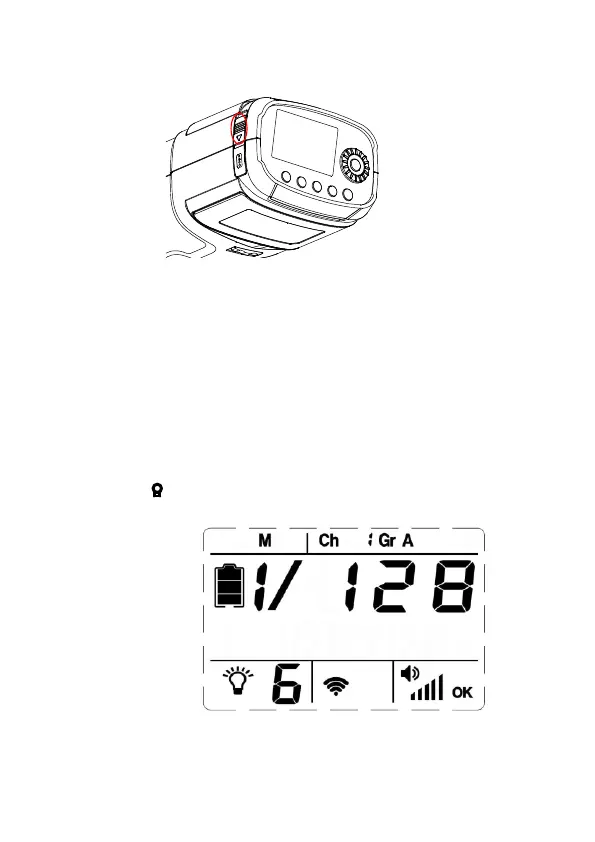
Switch on Flash Light
Slide【Power Switch】 to turn on Flash light.
Select Triggering Ways
1)Sync cord Connection
The 2.5mm Sync Cord Input on the flash may be used for direct
connection to a camera set to synchronization. A radio receiver may
also be plugged into the Input.
Supporting flash mode: <M> and <MULTI>
Operating Modeling Lamp
Shortly press【
】button, brightness of modeling lamp varies from
2)2.4G wireless radio trigger
Use VC-818TX transmitter to trigger VISICO2 flash light synchronously.
Supporting flash mode: <TTL>,<M>,<Multi>
Set Flash Mode
Shortly press [MODE] button to select TTL auto flash、M manual
flash and Multi stroboscopic flash in sequence.
9
1, 2, 3, 4, 5, 6 and “OFF” in sequence.



 To Next Page