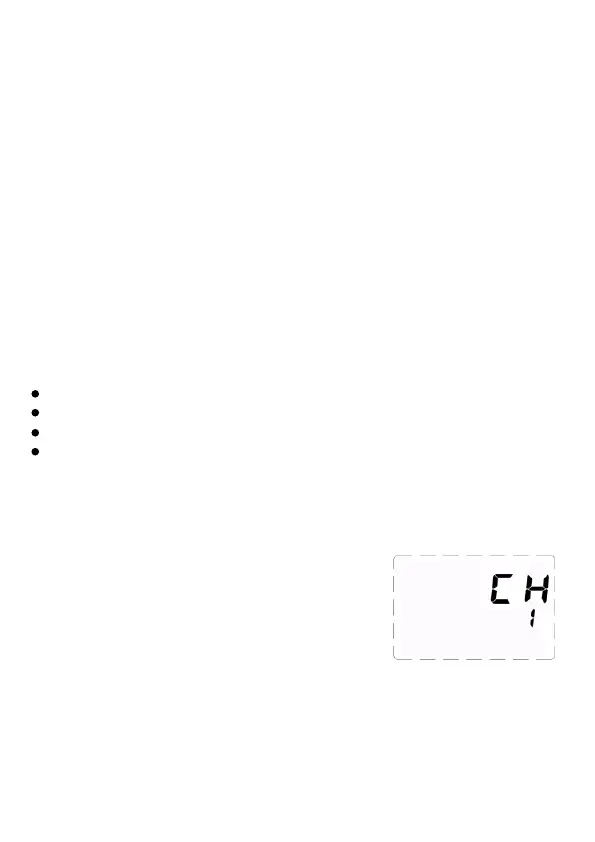
Setting Channel and Group
Setting Channel <CH>
1. Press and hold [CH/GR] button 3 seconds,
so that <CH> is displayed on the screen.
2.Turn the [Select Dial] to choose a
transmission channel number from 1 to 32.
3.Briefly press [Confirmation button] or press
and hold [CH/GR] button for 3 seconds to
save parameter.
Flash Exposure Compensation (FEC)
FEC is very useful to make quick minor adjustment of exposure of the
TTL system, and create ideal exposure as you like.
1) Set Flash Exposure Compensation (FEC)
Rotate [Select Dial] to set FEC value.
The FEC range is adjustable from -3 to +3 in precision 1/3 f-stop
increments. 0.3 means 1/3 f-stop, 0.7 means 2/3 f-stop. In LCD
screen,” + “ means more exposure. “ – “ means less exposure. Cancel
the flash exposure compensation, set the amount to 0.
2) High-Speed Sync
When use flash together with VC-818TX transmitter, enable the flash
to synchronize with certain camera in high-speed sync. The maximum
sync speed is up to 1/8000s. Set high-speed sync on camera only. On
the LCD screen, there is no signal. When photographers shoot
outdoors in bright sun with wide-open aperture, fast shutter speed can
cut the ambient light, get amazing result as you want.
Caution
12
The camera and transceiver should support HSS function.
The faster the shutter speed, the shorter the effective flash range
Multi flash can't be used under high-speed sync mode.
Overheating protection may be active after 60 successive
high-speed sync flashes. Please turn off the flash and rest it for 30
minutes to cool down.



 To Next Page