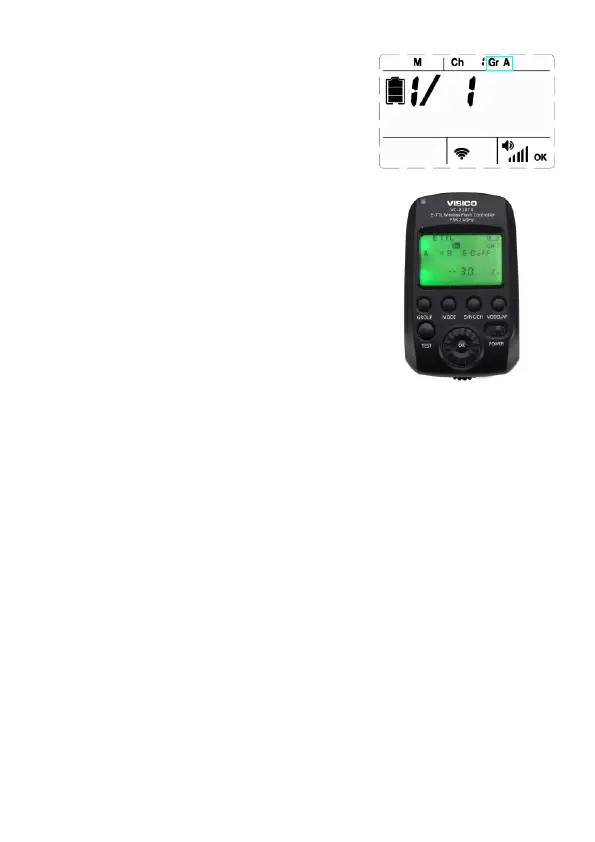
Setting Group <Gr>
Repreatly press [CH/GR] button to choose
Group number from A to E in sequence.
Note: For effective trigger, please set
VISICO2 flash and VC-818TX transmitter
at the same channel. To adjust flash mode
and parameters, please set VISICO2 flash
and VC-818TX transmitter at the same group.
More Functions
1.Press [MENU] button to select functions
listed in the following table.
2.Rotate [Select Dial] to change the setting of every
function.
3.Press [MENU] button to save the setting
and quit.
13



 To Next Page