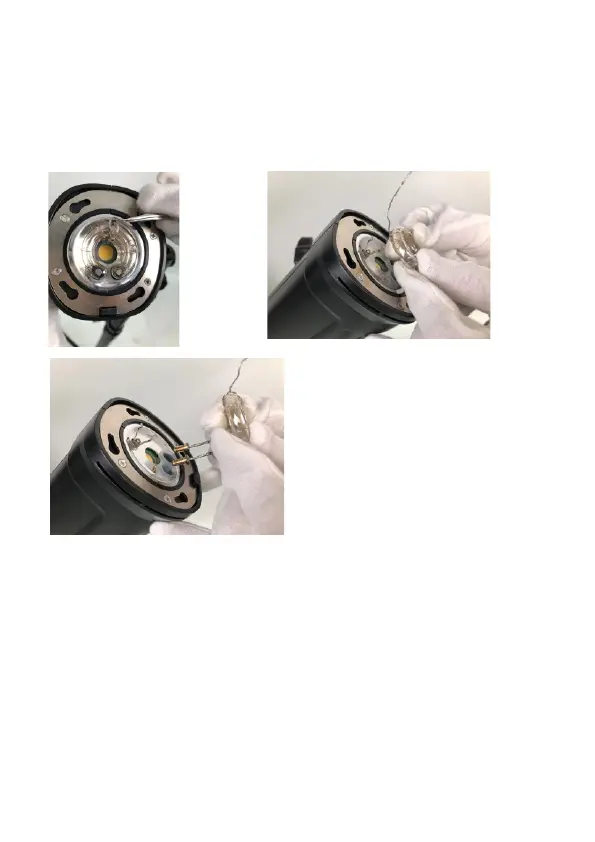
Install New Flash Tube
Safety Note: Make sure the power switch is OFF and the battery is
removed from flash light.
1. Align the pins on the flash tube with the pin receptacles. Push the
pins into the receptacles using firm, even pressure at the base of the
flashtube (Fig.14).
2. Wrap the metal wire around two metal clips above the flash tube.
Fig. 6
Fig. 4
Fig. 5
USB Firmware Update
1)Visit VISICO official website (www.visico.com) to download the
firmware upgrading drive and the firmware of the latest version.
2)Turn off the power, and press and hold [CH/GR] and [MODE]
button, meanwhile, switch on the power. Then, the screen will
display “UP” indicating firmware upgrade is accessible.
3)Connect the flash to PC with a USB cable (not included).
4) Follow the tips on the software to finish firmware upgrade.
19



 To Next Page