Example Jobs 99
© 2015 Vision Engraving Systems
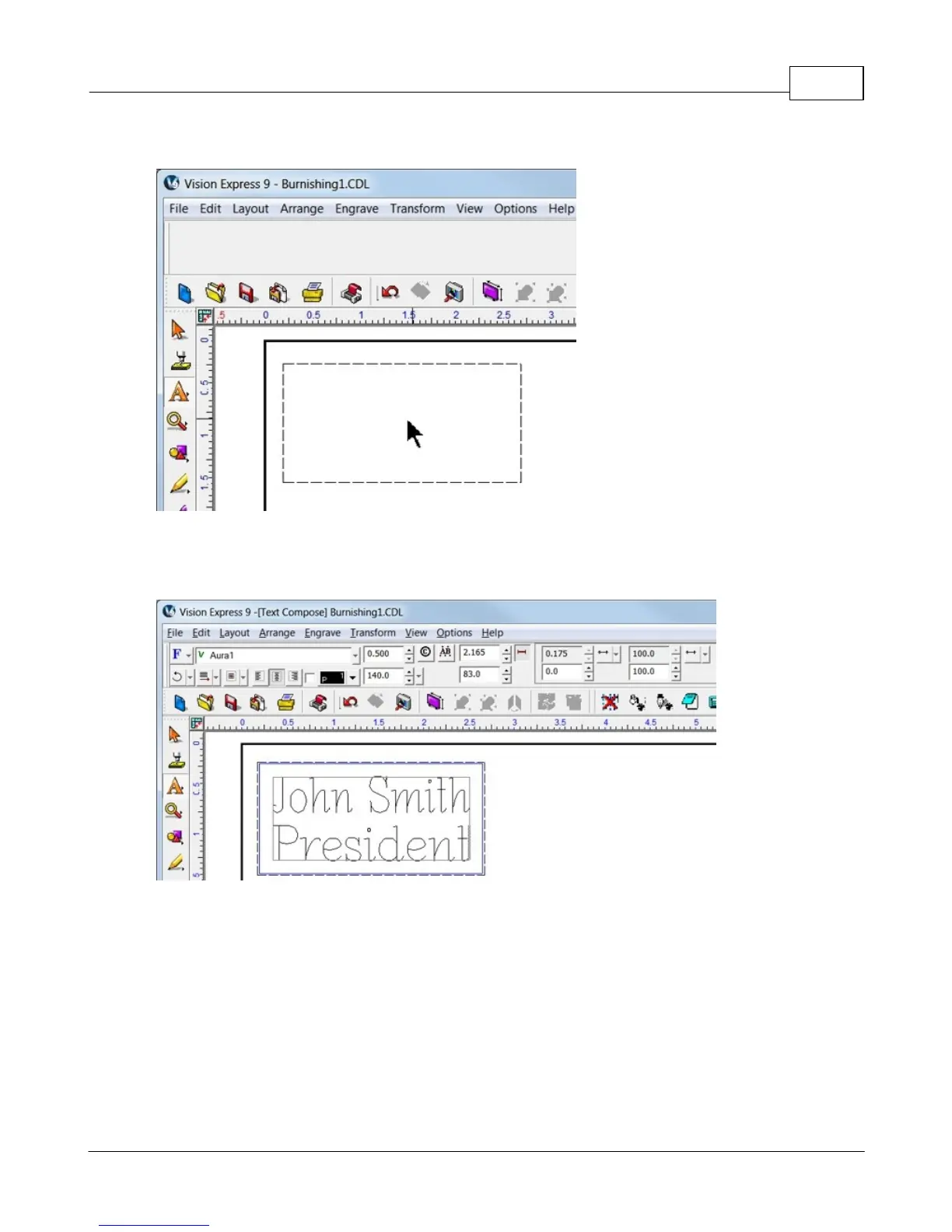
Click in the middle of the Plate Object.
Enter any text in the format you wish to use. In this example, two lines of text are entered as variables (it
does not matter what you type. The text entered is only for formatting and will be replaced with the text
imported from the .txt file).



 To Next Page