EasyManua.ls Logo

VisualGate SVP-1000 - User Manual

Default Icon
36 pages
Print Icon
To Next Page IconTo Next Page
Loading...
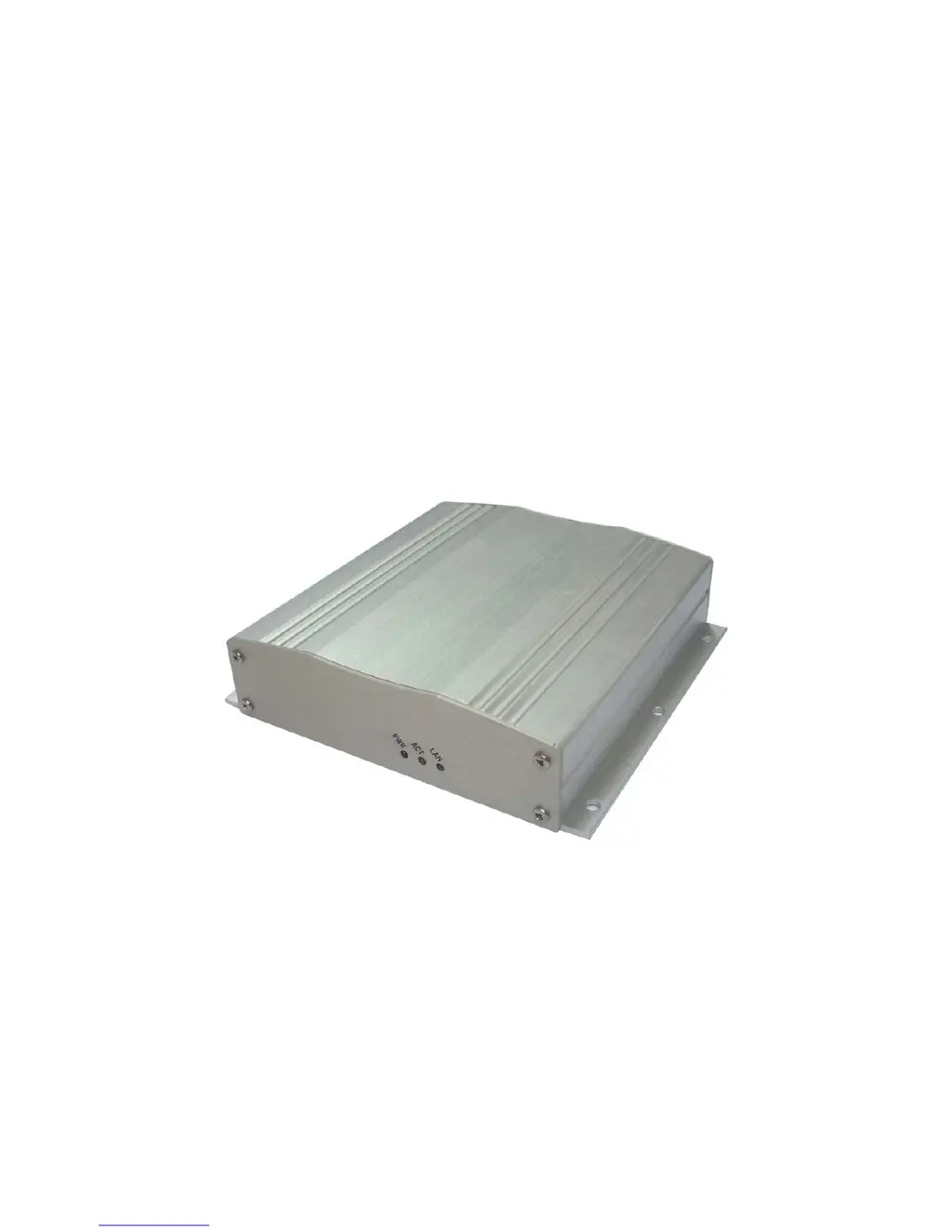
Network Video Decoder SVP-1000 Full Manual
1
NETWORK VIDEO DECODER
MODEL: SVP-1000
Full Manual (English)
Version 1.0

Questions and Answers

  • C
    Christopher Lowe MDAug 10, 2025
    Why is video not displaying on my VisualGate Media Converter?
    • M
      mccoychristinaAug 10, 2025
      There might be several reasons why video is not displaying. First, ensure that the electrical connections are properly connected. Second, verify that the IP address of the Video Server and Decoder are correct in the information settings. Also, check that the user ID and password are correct. Ensure the device is connected to the network through PC's network setting. Finally, confirm that the IP Camera is working by connecting the video server to the IP Camera using a Cross LAN Cable.
  • A
    Ann BarronAug 23, 2025
    What to do if PTZ is not working on VisualGate Media Converter?
    • J
      Joan GregoryAug 23, 2025
      If the PTZ function is not working, check the electrical connections first. Then, verify that the user is authorized to use the PTZ function. Also, if zoom is not working, check if the camera has a zoom lens.

VisualGate SVP-1000 Specifications

General IconGeneral
BrandVisualGate
ModelSVP-1000
CategoryMedia Converter
LanguageEnglish