Network Video Decoder SVP-1000 Full Manual
23
4. Display Mode
4.1. Initial Login Screen
4.1.1. Installation of the Web Viewer
1. Internet Explorer browser starts.
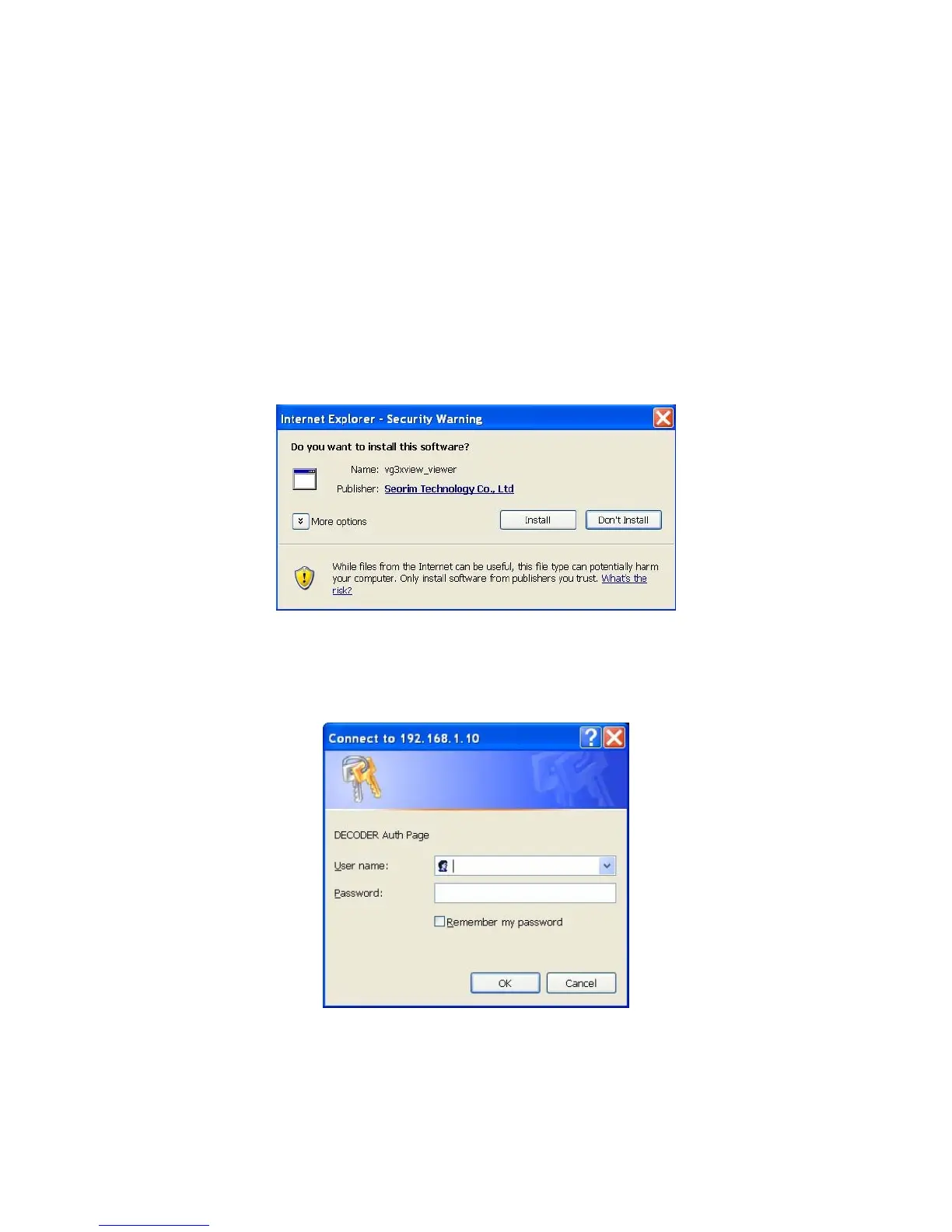
2. When the ActiveX Code pops up, click ‘yes’, then a message window shows as below.
3. Click ‘Install’
4. When installation of ‘vg3xview_viewer' is completed, the initial Login Page (Auth Page) appears.



 To Next Page