Network Video Decoder SVP-1000 Full Manual
20
3.2. Installation
3.2.1. IP Address Setup
1) After checking Video, connect SVP-1000 to a PC with a Cross LAN Cable
2) Cable connection and Network Setup should be done as it is instructed in ‘ 2.1.
Installation and 2.2 network setting ’.
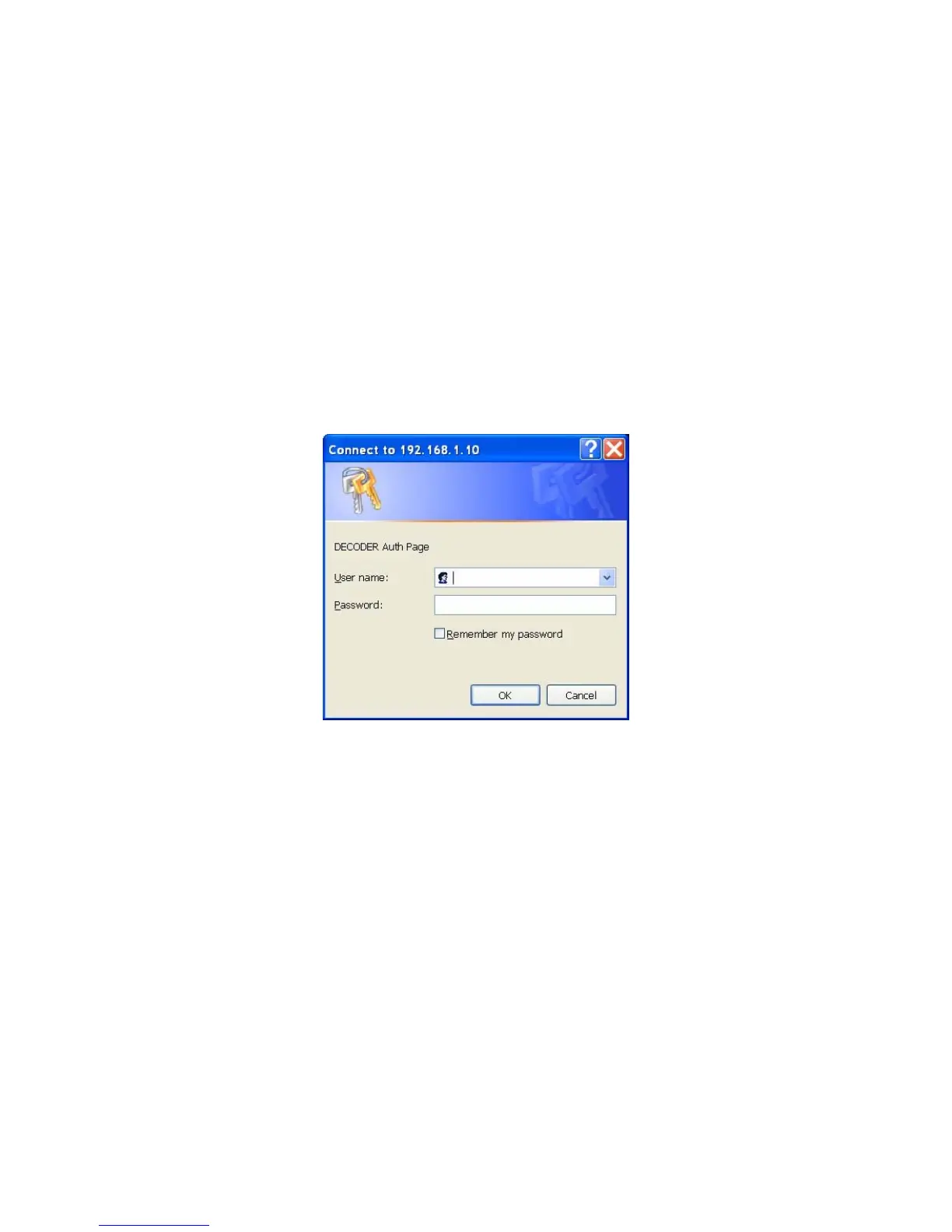
3) Run a Web Browser and input 192.168.1.10 in URL and click ‘Enter’.
The Decoder Auth Page appears.
Auth Page of SVP-1000
4) Put ‘admin’ in User Name and Password line, click ‘OK’,
5) Click ‘Settings’, then ‘Setting Page’ appears.
6) Go to ‘Network Setting’ on the right side of the screen.
7) Input default IP Address, Gateway, Netmask of SVP-1000 on the Network Setting Page.
8) 2 different DNS Addresses should be given.
9) Click ‘Apply’ to save setting values.



 To Next Page