Network Video Decoder SVP-1000 Full Manual
25
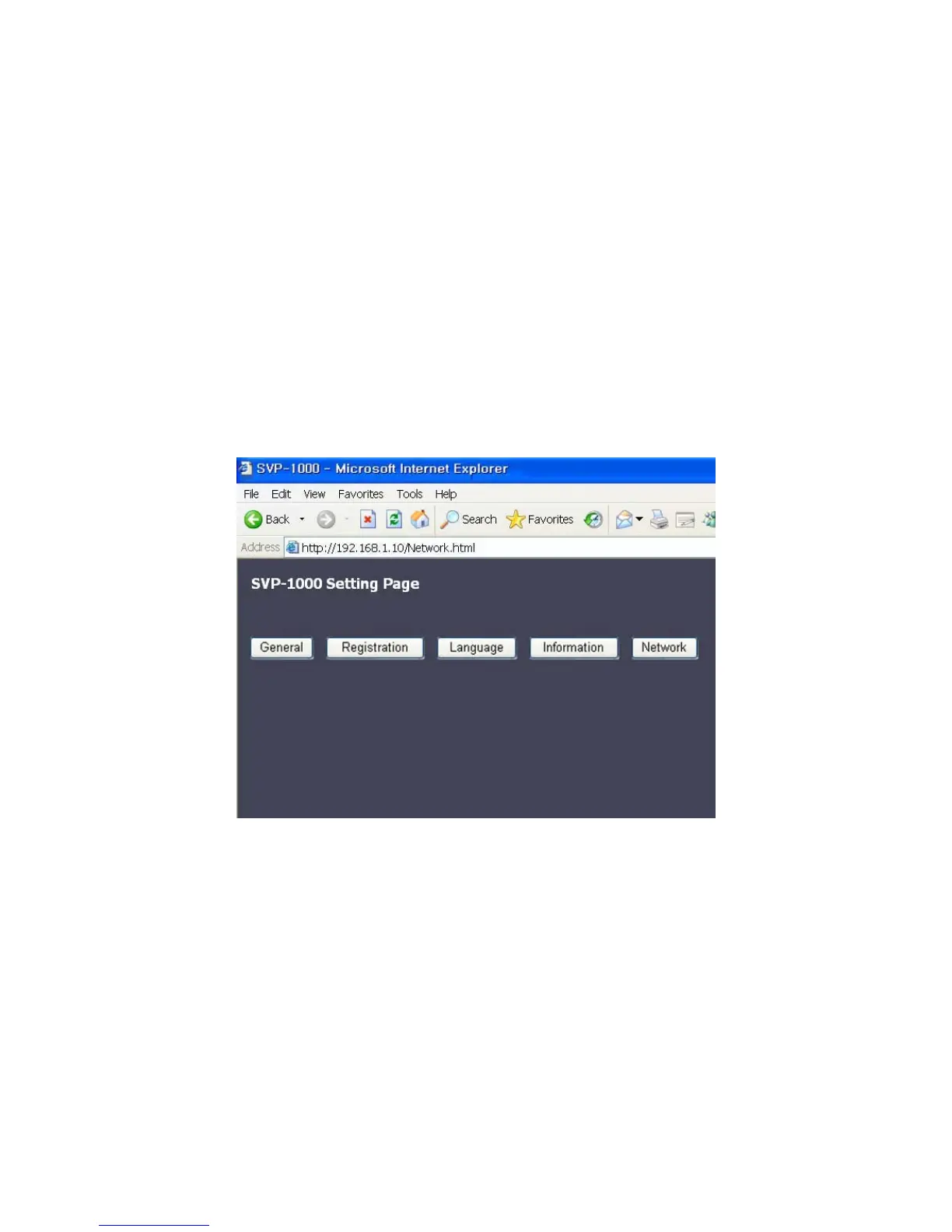
4.2. SVP-1000 Setting Page
The User can change the setting values:
▶ To set up or modify the Decoder SettingÆ Go to ‘General’ and Click
▶ To set up or modify the Password Æ Go to ‘Registration’ and Click
▶ To set up or modify the operation LanguageÆ Go to ‘Language’ and Click
▶ To set up or modify the IP address/Port Number/User ID/User PW of the Video Server Æ Go
to ‘Information’ and Click
▶
To set up or modify the Network Setting, and to update the firmware Æ Go to ‘Network’ and
Click.



 To Next Page