Network Video Decoder SVP-1000 Full Manual
19
3. Configuration of Network Environment
3.1. Check up Network Environment and Installation Type
▶To install SVP-1000 properly, basic understanding of Network Environment is required.
• Private line Environment
In a huge complex such as Company, University, Research center, public IP addresses are
generally used. Under this environment, the user must set a Static IP Address for the SVP-1000
decoder. If DHCP server is available on the network, select ‘Dynamic IP Address’. You can get the
required information (IP address, subnet mask, gateway, DHCP server) from the network
administrator.
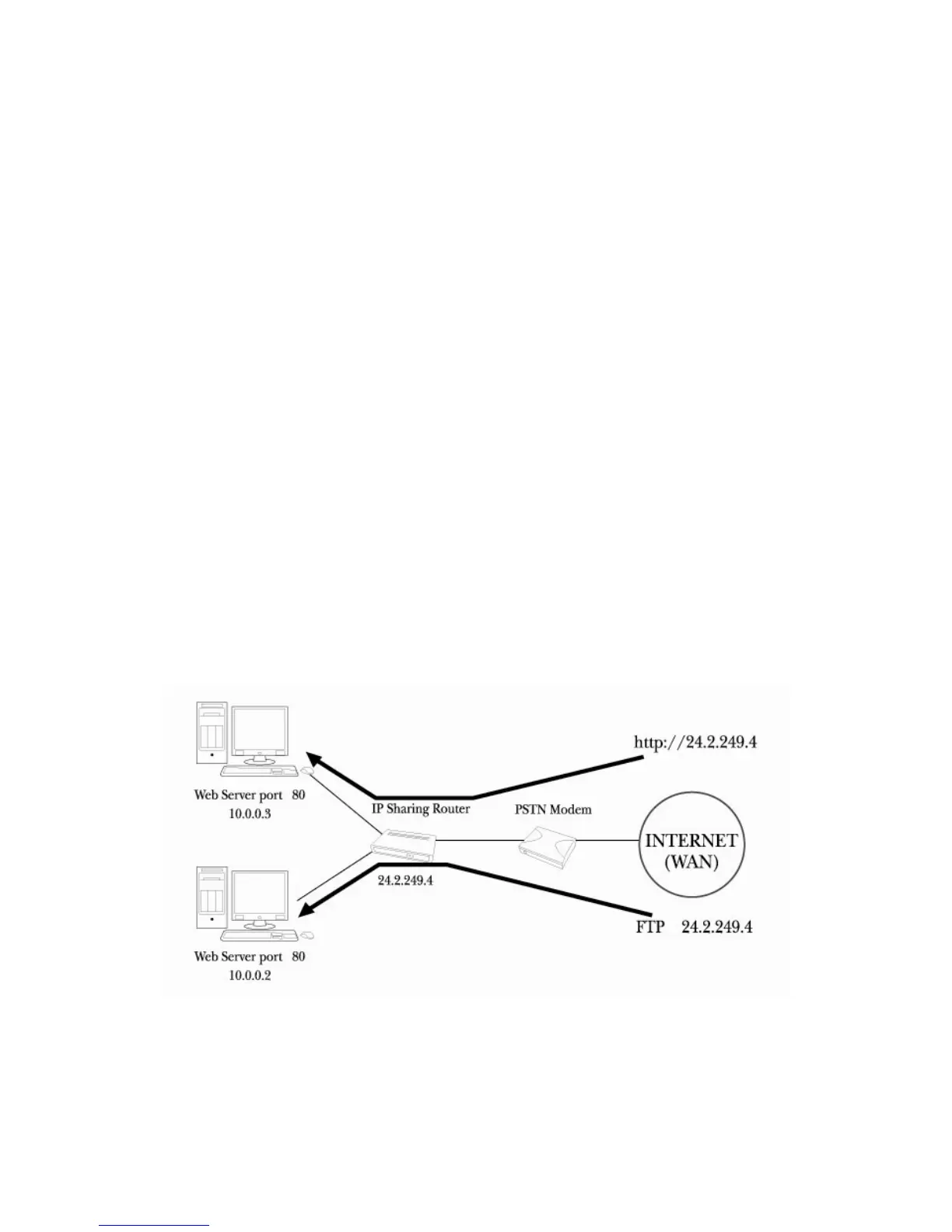
• Broadband (ADSL, Cable, Fiber Optic) Modem Environment
At Home, in the stores and small offices a Broadband modem (DSL, Cable Modem) or a public IP
address is usually in use. In order to use several PCs sharing one Public IP address, the user need
a specific device called Router.



 To Next Page