Network Video Decoder SVP-1000 Full Manual
29
5.4. Information Setting
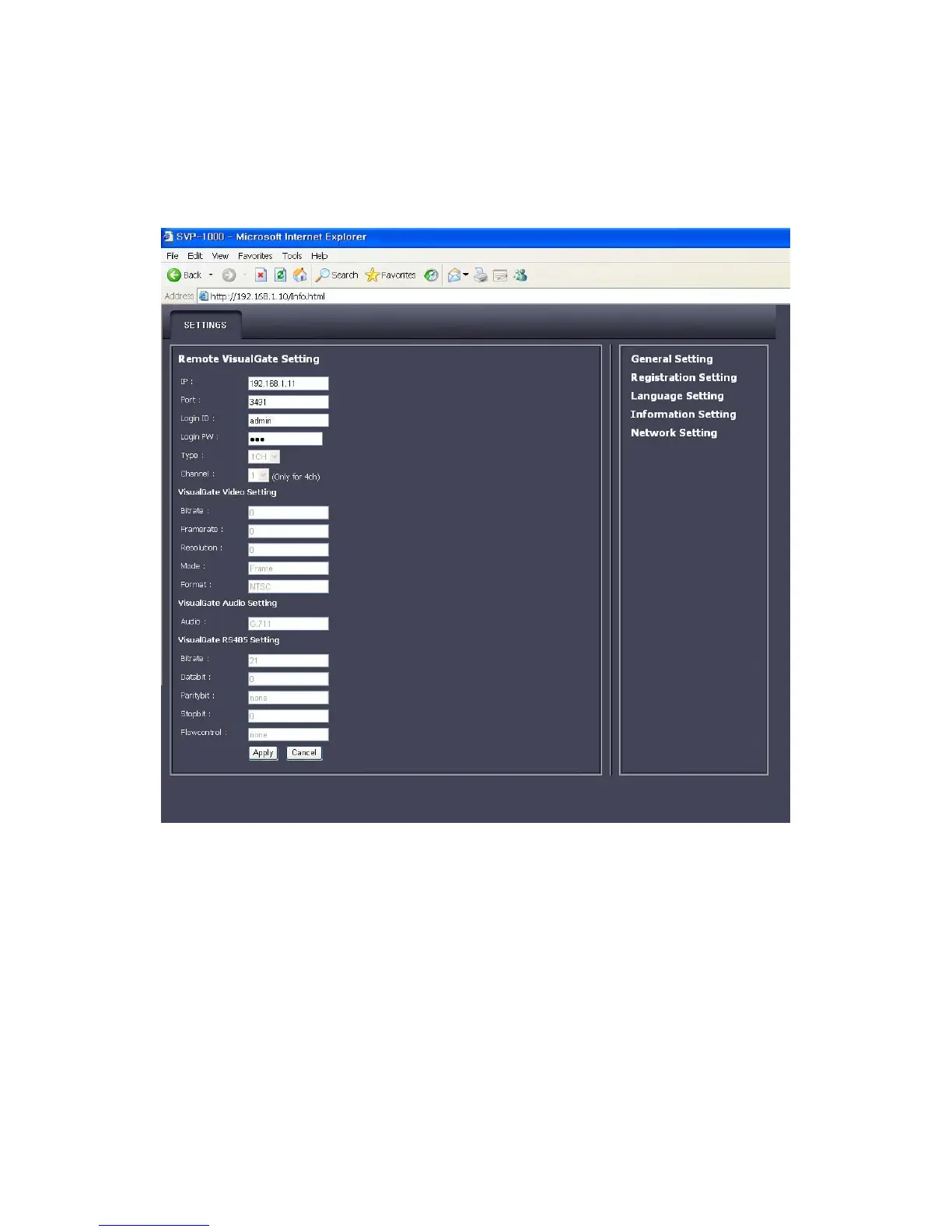
Remote VisualGate Setting
• Remote VisualGate Setting :
Following information should be correctly given.
▶IP: Input the IP address of the Video Server
▶Port: Input Port numbers of the Video Server
▶Login ID: Input the Login ID of the Video Server
▶Login PW: Input the Login Password of the Video Server
▶Type : Select the type of Video Server



 To Next Page