Network Video Decoder SVP-1000 Full Manual
13
4) Supply power on SVP-1000 ( Be sure to use Exclusive Power Adapter) (④)
5) Wait about 2 minutes after power is on the SVP-1000 decoder. The light on LINK LED shows
that the system is booted successfully.
2.2. Network Setting of a PC
2.2.1. Verifying the network setup status of a user PC
•
To connect the SVP-1000 decoder to the user PC, the network setting of the user PC must
be verified as in the following:
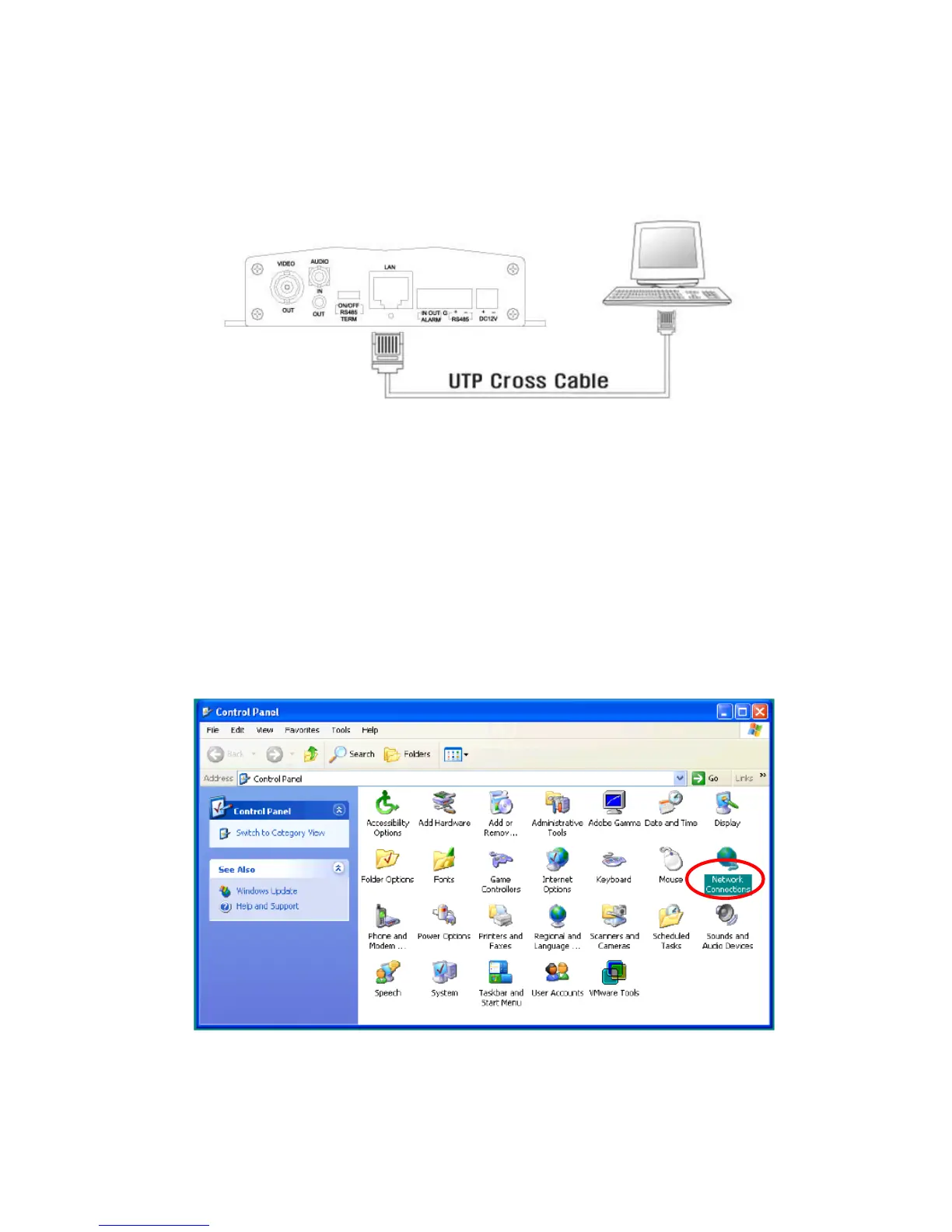
1) Go to ‘Start’ -> ’Settings’ -> ‘Control Panel’, then select ‘Network and Internet Connection’



 To Next Page