Network Video Decoder SVP-1000 Full Manual
16
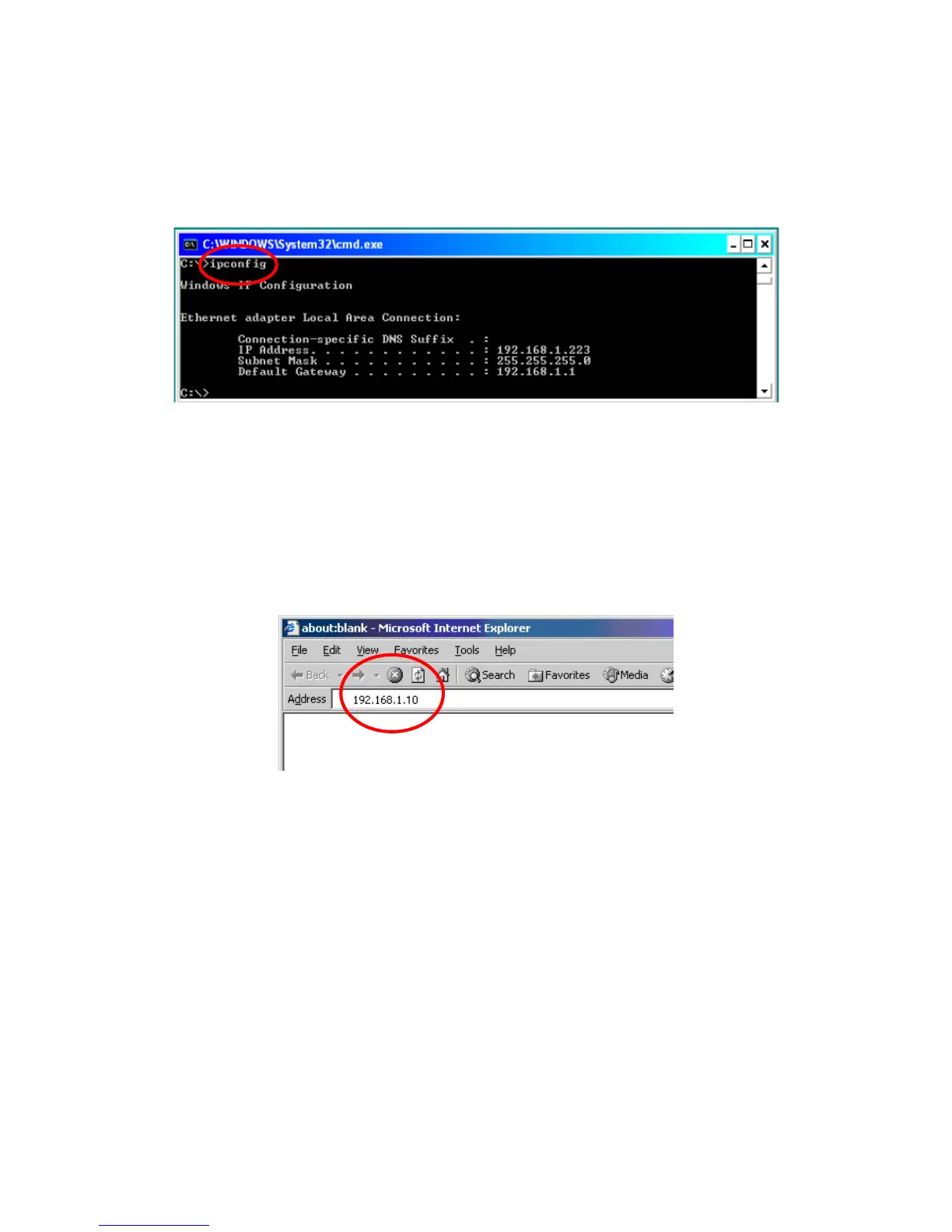
• After network setting of a PC, you can verify the network status as following:
1) Go to ’ Start’ -> ‘Run’ ->input ‘cmd’
2) When a DOS window appears as above, input 'ipconfig'.
3) The display shows the current network setting of a PC.
2.2.2. Operation of the Web Viewer (URL 192.168.1.10)
Start a Web Browser
1) Start a Web Browser and input 192.168.1.10 in URL and click ‘Enter’. Then, a user log-in
page appears. In case, it does not open, reset the video server (click the ‘Reset hole’) to
bring it to the default value, and reboot it.
2) When the ActiveX Code for ‘'vg3xview_viewer' pops up, click ‘yes’, then a message window
shows as below.



 To Next Page