Network Video Decoder SVP-1000 Full Manual
22
13) After ‘information Setting’, remove the Cross LAN Cable connected between SVP-1000
and a PC.
14) Connect SVP-1000 to a local Area Network with a Straight LAN Cable.
15) Connect a PC to a Local Area Network with a Straight LAN Cable.
16) VIDEO CHECK:
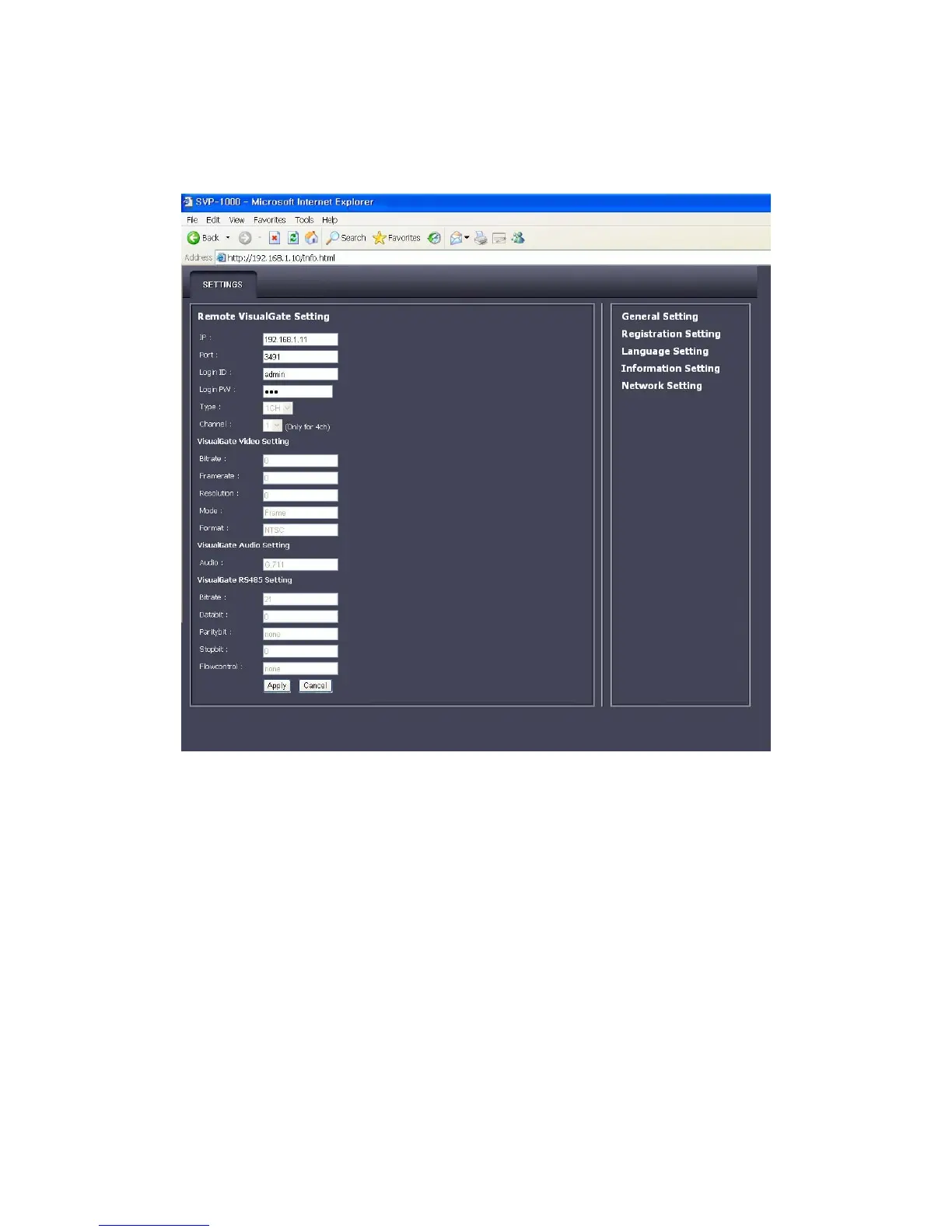
Run a Web Browser on your PC, input default IP of SVP-1000
and click ‘Enter’,
- When Video of connected SVG-3010 is seen, SVP-1000 is correctly set up.
- When Video of connected SVG-3010 is not seen, check whether there might be IP
confliction in Network, and - re-check the network set values of SVP-1000 and the
video server and of the user PC.



 To Next Page