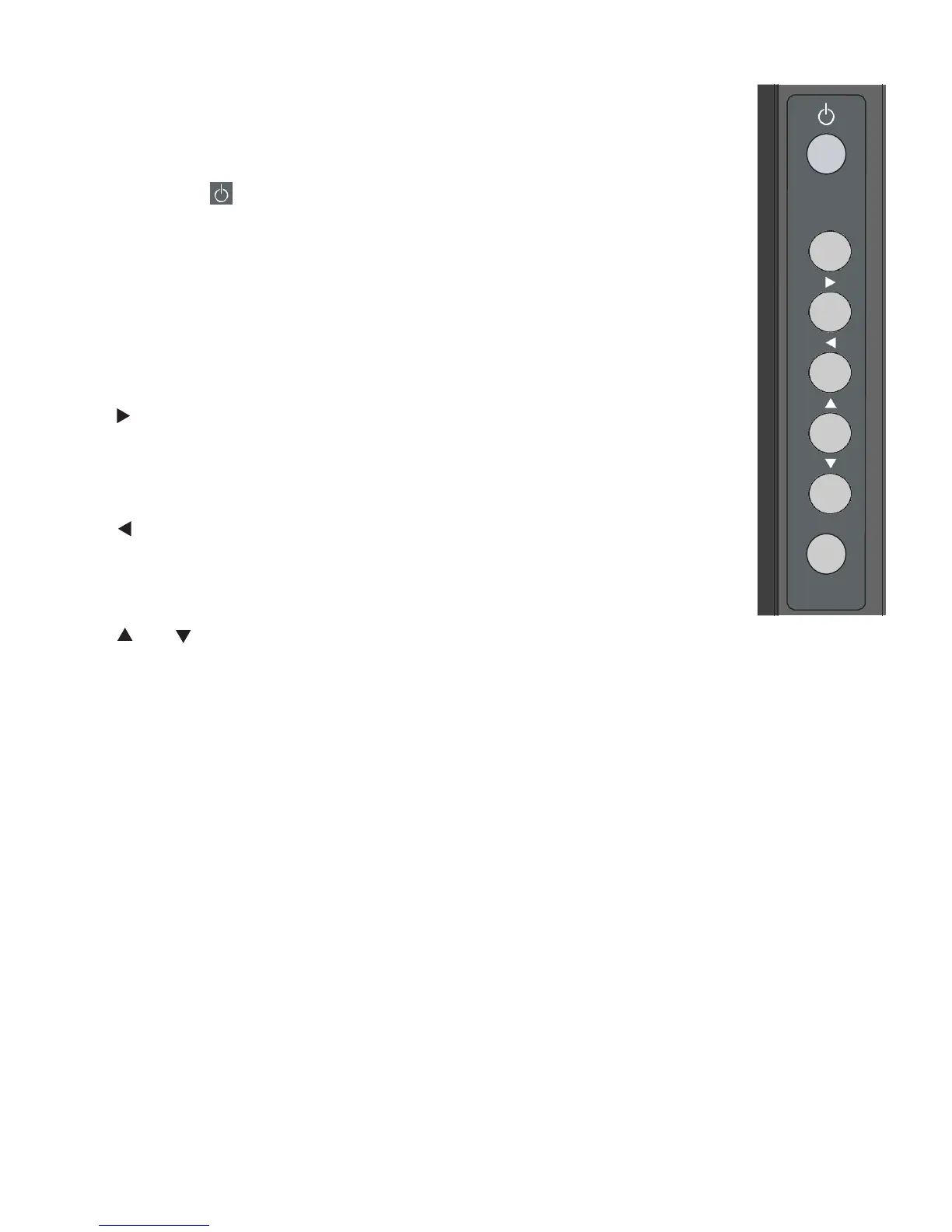
4. KEYPAD
You can use the keypad instead of the remote control unit to operate the on-screen
display (OSD) controls. The keypad operates as follows:
On/Standby ( )
Press once to toggle from standby mode to on mode. Press it again to return to
standby mode.
SOURCE
To select a source, press the
SOURCE
button repeatedly (with no menus visible on-screen).
When a menu is visible on-screen, this button operates identically to the right-arrow (or
ENTER
)
button on the display remote control unit.
When a menu is visible on-screen, this button operates identically to the left-arrow button on
the display remote control unit.
/
When a menu is visible on-screen, these buttons operate identically to the up-and down-arrow buttons on the display
remote control unit.
MENU/ EXIT
Press this button to access the on-screen display (OSD) controls, or to exit the
current menu and return to the
previous one.



 To Next Page