•
Device MAC:
Shows the unique address assigned to network interfaces.
Factory Reset:
To reset ALL display settings (including image settings) back to their factory defaults, choose Factory
Reset from the Advanced Settings menu.
A confirmation message appears. Select Yes to continue with the reset or select No to cancel.
CAUTION
This action is not reversible. Proceed with caution!
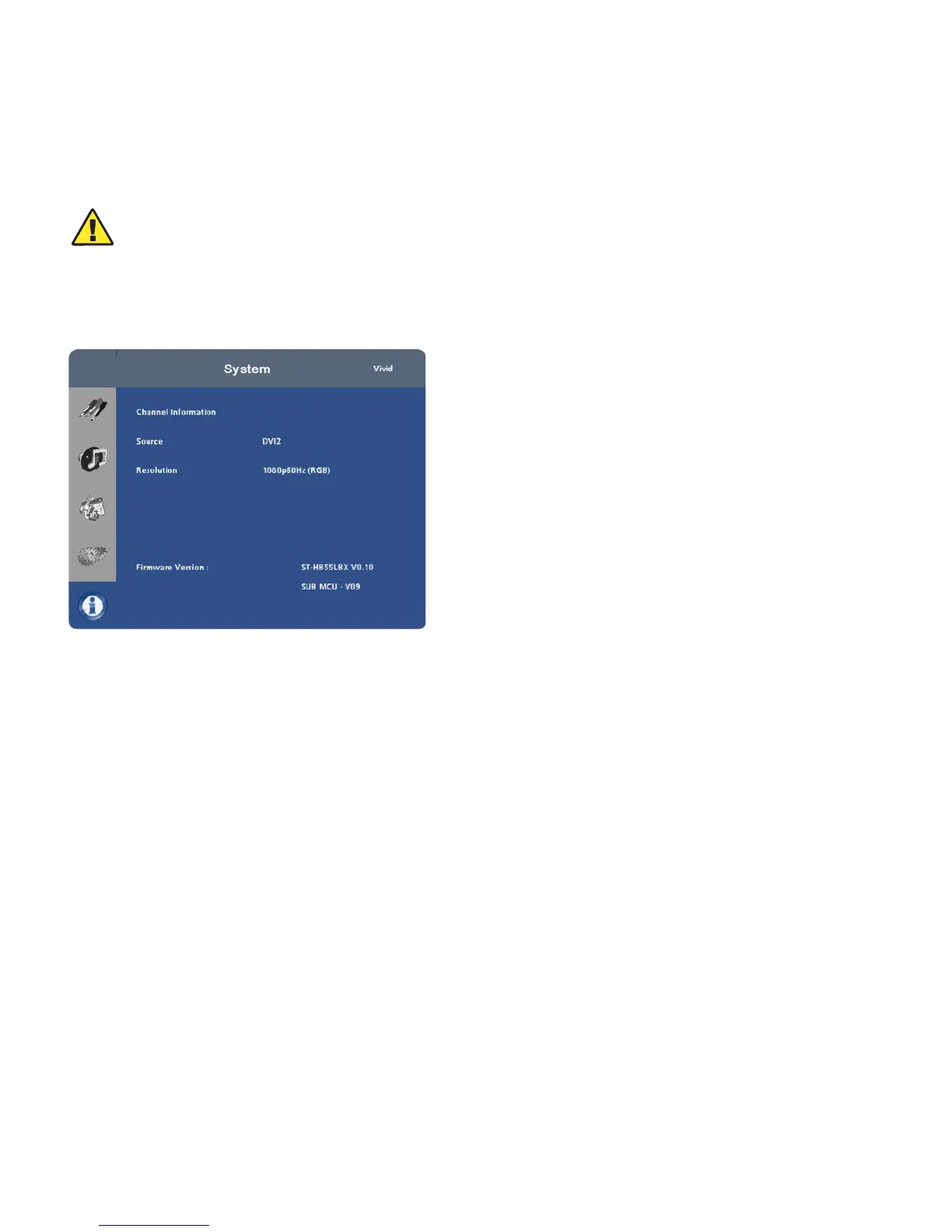
System
The read -only System menu provides the following status information about the display:
• The resolution and refresh rate of the active source; and
•
The currently-installed firmware version.



 To Next Page