4. Operation
Using the On-Screen Menus
To display the on-screen menus, press MENU on the remote control (Figure 2-3) or built-in keypad (Figure 2-1).
To select a sub-menu, use the and buttons to highlight it. Then, press to enter that sub-menu.
To select a menu item, use the and buttons to highlight it. Then, press or to adjust that setting and press
ENTER.
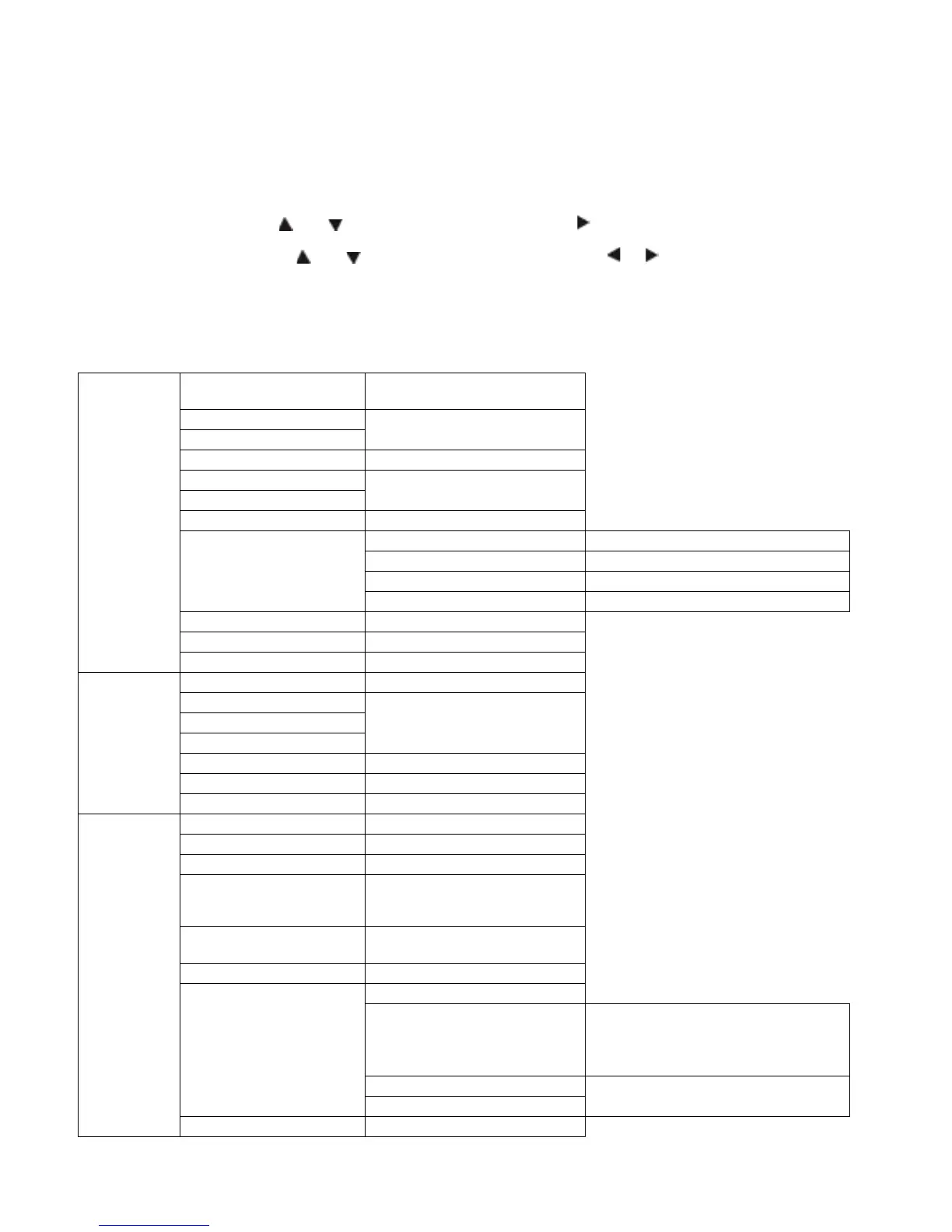
The OSD menus are arranged hierarchically, as shown in Figure 4-1. Depending on the selected input source and signal
characteristics, some menu options may not be available.
Video
Settings
Scheme (Video Mode)
User, Vivid, Cinema, Game or
0, 1, 2 ... 50 ... 99, 100
0, 1, 2 ... 50 ... 99, 100
0, 1, 2 ... 80 ... 99, 100
Colour Temperature &
Gamma
5000K, 6500K, 7500K, 9300K or User
128, 129, 130 .. 256 ... 382, 383
Red / Green / Blue Offset
-50, -49, -48 ... 0 ... 48, 49, 50
Full Screen, Pillarbox or Auto
VGA, HDMI, DVI, or DisplayPort
Audio
Settings
0, 1, 2 ... 50 ... 99, 100
-6, -5, -4 ... 0 ... 5, 6
Basic
Settings
OSD Language English, German, Dutch, French,
Danish, Slovenian, Hungarian,
OSD Timeout
5, 10, 15 ... 30 ... 115, 120
Real Time Clock
Timer Mode User, All Days (Monday ... Sunday) or
Work Days
(Monday ... Friday, Saturday and
Disable or Enable



 To Next Page