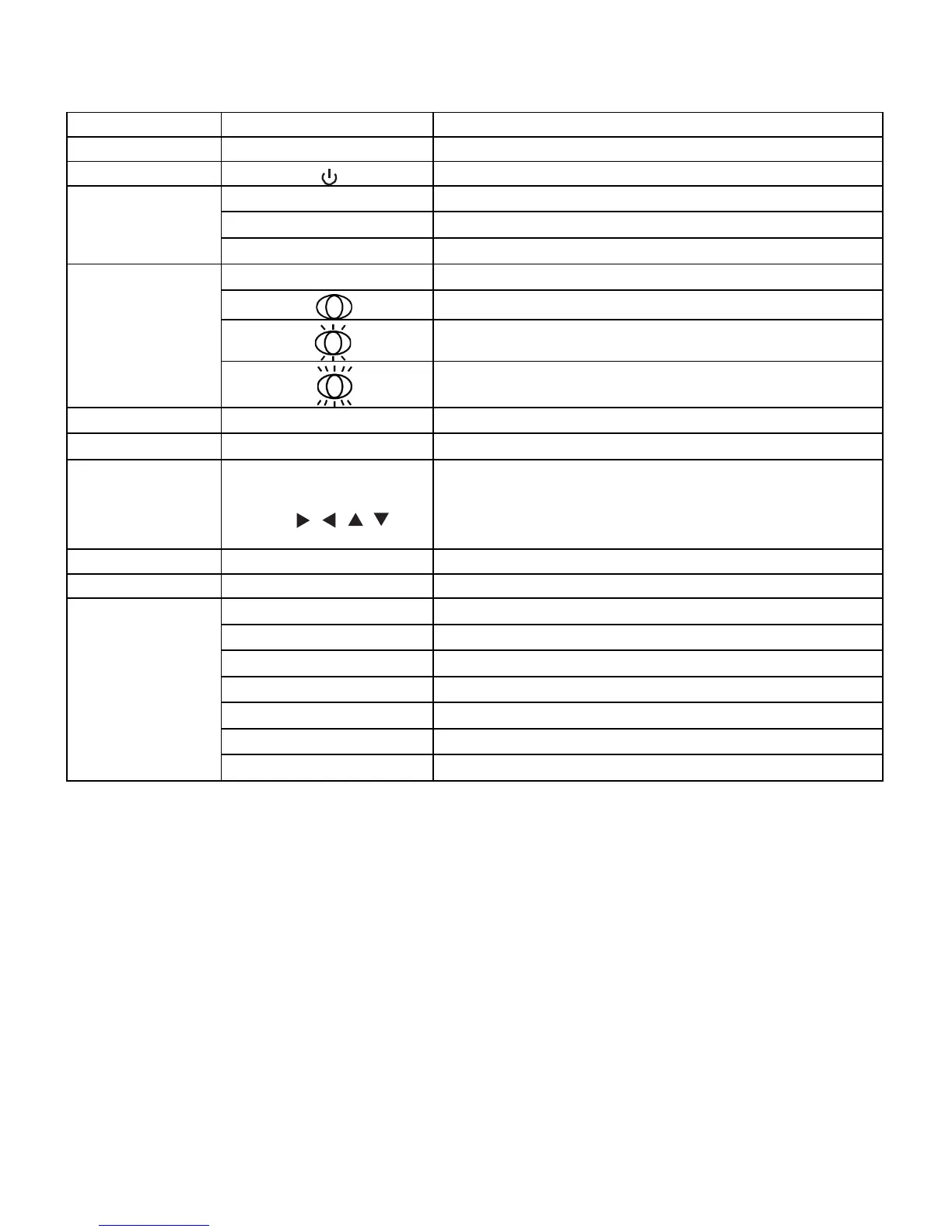
Table 2-1. Remote Control Button Descriptions
1
Provides source and resolution information
Turns the monitor on and off
3
Selects the PC RGB source
DVI Selects the PC DVI source
HDMI Selects the HDMI source
4
DISPLAYPORT Selects the DISPLAYPORT source
Selects the low light setting
Selects standard setting
Selects high brightness setting
5
BLANK Blanks the screen. Press any key to restore.
6
Freezes the screen. Press again to restore.
7
MENU
Opens the monitor’s on-screen menu system.
When the menu system is already open, pressing this button will
select the previous submenu
Navigates through submenus and settings
8
Selects highlighted menu choices
9
10
CONTRAST Adjusts the contrast
AUTO Auto adjustment of VGA source
Selects each source, in sequence
Decreases the sound volume
VOLUME + Increases the sound volume



 To Next Page