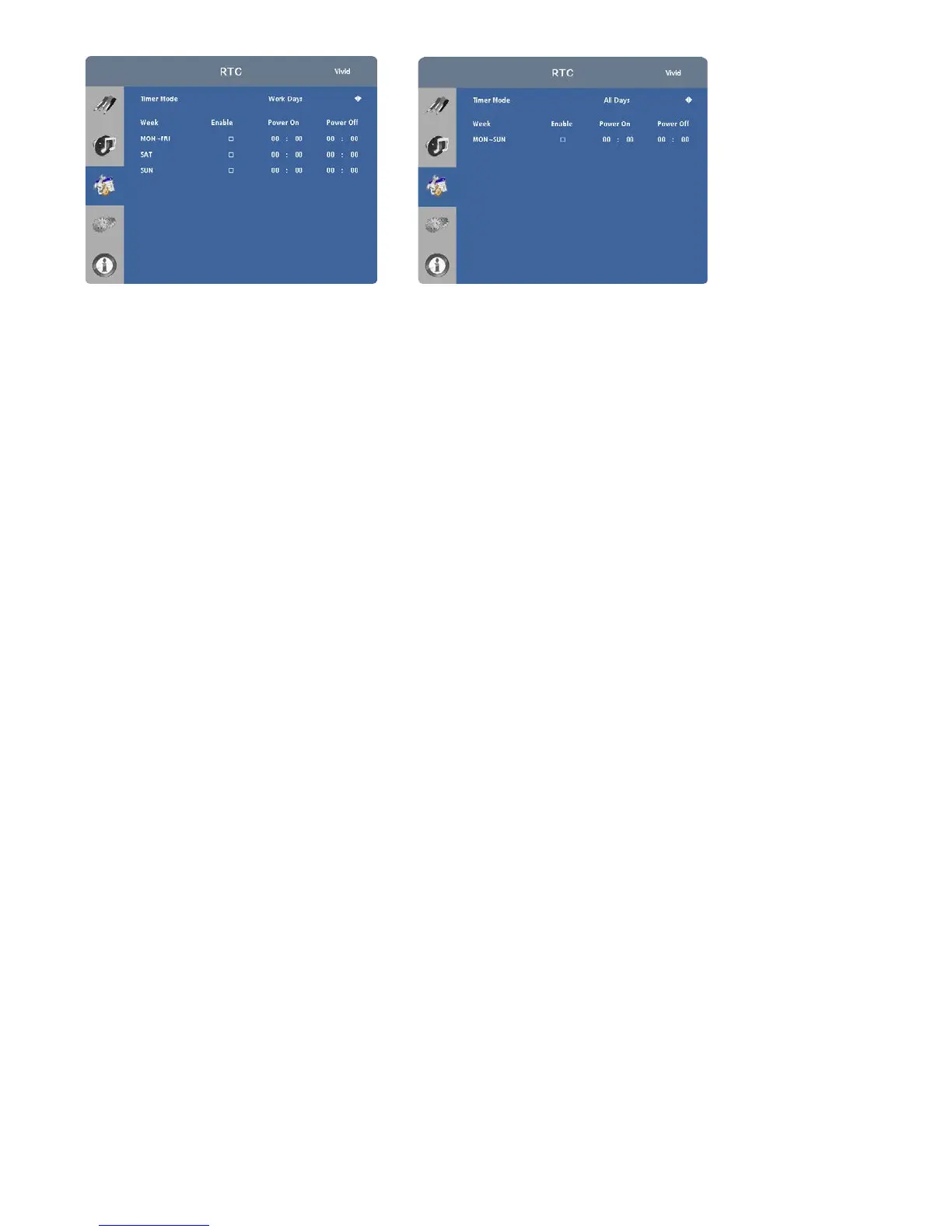
From this menu, you can also program the display to turn on and off at specified times of day and days of the week:
• To set power-on and power-off times for each day of the week independently, set the Timer Mode to User.
• To set the same power-on and power-off times for every day of the week, set the Timer Mode to All Days.
• To set the same power-on and power-off times for Monday through Friday, set the Timer Mode to Work Days.



 To Next Page