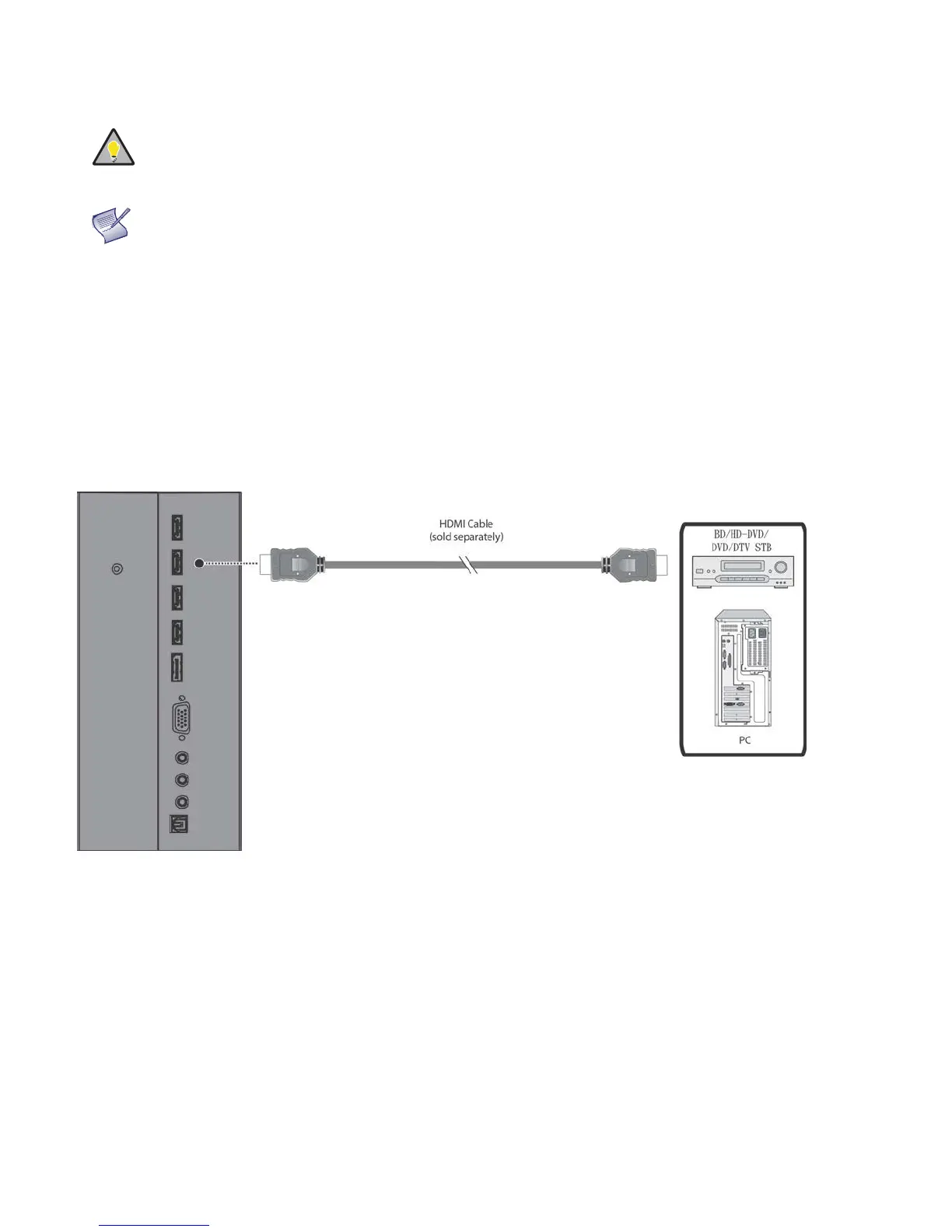
HDMI Source Connections:
See Figure 3-5.
TIP
Use the HDMI inputs whenever possible. This ensures the highest video quality because the
signal is carried in the digital domain throughout the entire signal
path, from source
component output into the display
.
NOTE
This display supports the VESA Display Data Channel (DDC) standard. This standard
provides “Plug and Play” capability; the display and a VESA DDC
-compatible computer
communicate their setting
requirements, allowing for quick and easy setup.
In order for Plug and Play to work correctly, you must turn on the display before you turn on
the connected computer.
Figure 3-5. HDMI Source Connections



 To Next Page