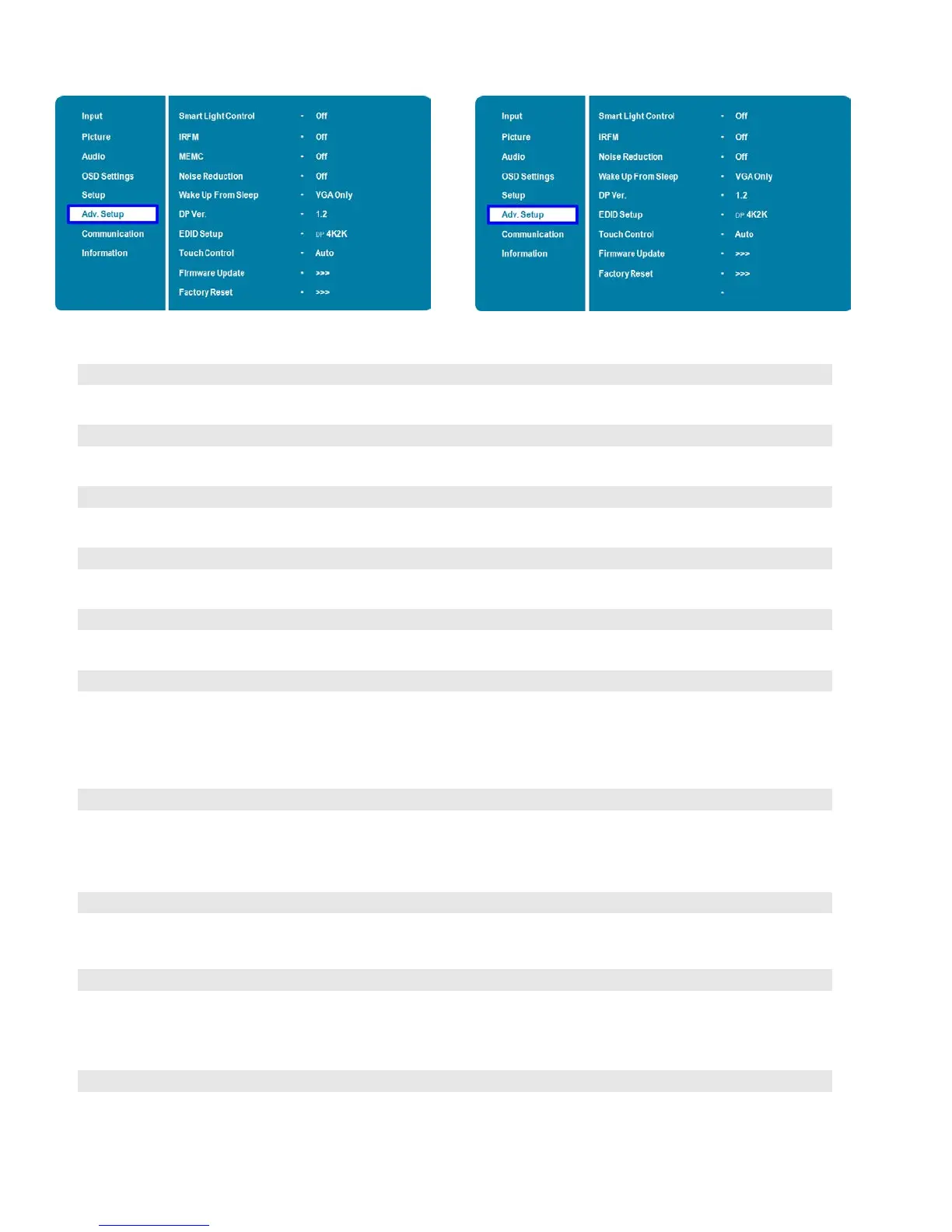
Advanced Setup Menu
VTF-6510 VTF-8410
Enable dynamic contrast (DCR) or ambient light sensor
Options: Off, DCR, Light Sensor; Default: Off
Create slight frame motion to help avoid image retention
Options: On, Off; Default: Off
Motion Estimate and Motion Compensation.
Options: Off, Low, Mid, High; Default: Off
Reduce random noise in the video content
Options: Off, Low, Medium, High; Default: Off
Options: VGA Only, Digital, RS232, Ethernet; Never Sleep
Select DisplayPort version of the DisplayPort inputs
Options: 1.1, 1.2
Note: DisplayPort 1.2 is the more modern standard and supports 3840x2160 @ 60 Hz
resolution. However, sometimes DisplayPort 1.1 is needed for compatibility with older
Select EDID (Extended Display Identification Data) of the HDMI and DisplayPort inputs
Options: 1080p, 4K2K
Note: Use the 1080p setting for the broadest support of lower resolution sources. Use
4K2K setting to support high resolution sources such as 3840x2160.
Select one of the touch connections, or choose auto detection.
Options: Auto, OPS, USB Touch 1 (front panel), USB Touch 2 (I/O panel), PC;
Plug in the USB flash drive and select Yes to proceed with firmware update.
Options: No, Yes; Default: No
To start updating firmware, select Yes to continue.
Options: No, Yes; Default: Yes
Restore all settings to their default.
Options: No, Yes; Default: No



 To Next Page