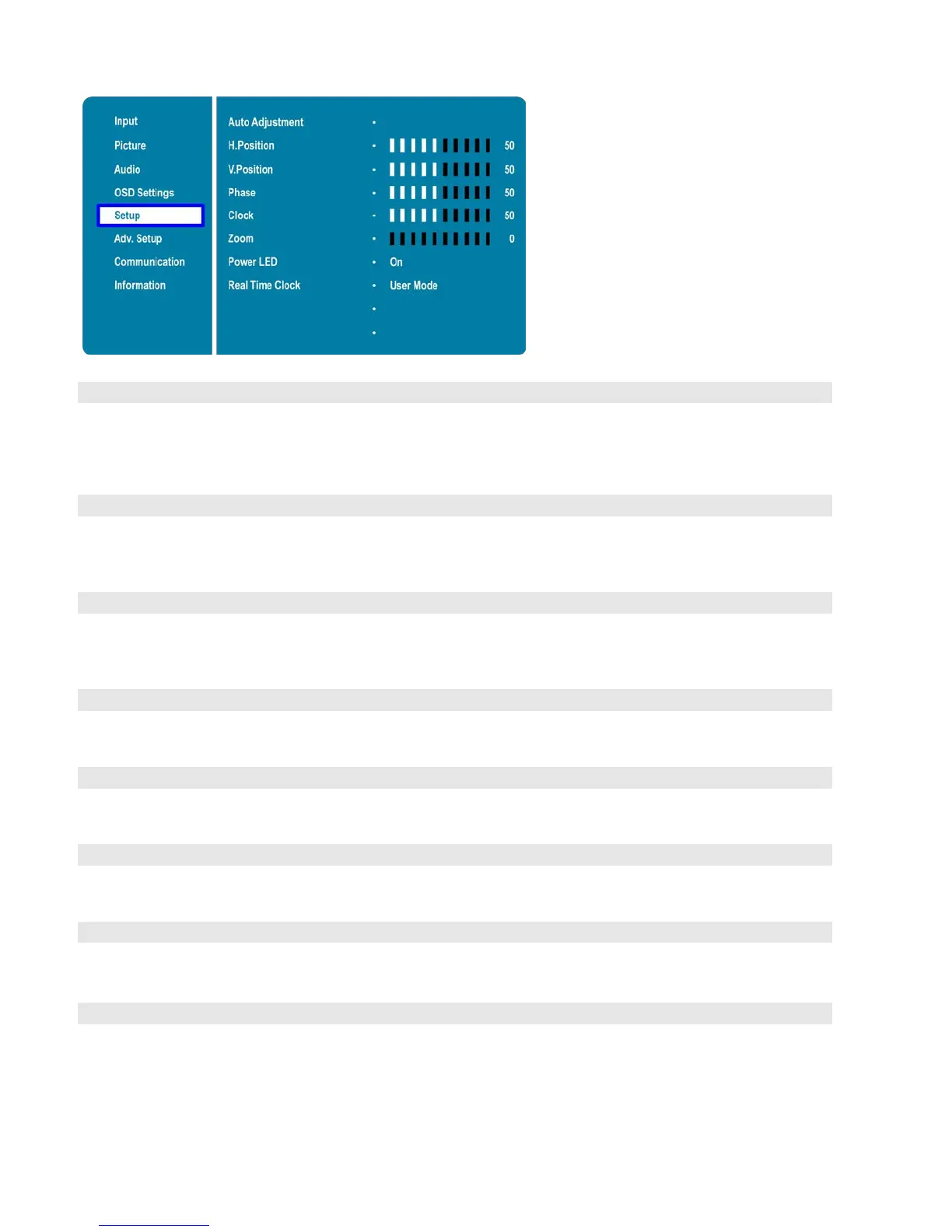
Setup
Menu
Force the display to reacquire and lock to the input signal (VGA source only). This is
useful when the signal quality is marginal. Note: This feature does not continually
reacquire the signal.
Options: No, Yes;
Adjust the horizontal position of the image (VGA source only). Press or to select
the desired level, and then press ENTER.
Range: 0~100
Adjust the vertical position of the image (VGA source only). Press or to select the
desired level, and then press ENTER.
Range: 0~100
Adjust the phase of the displayed signal (VGA source only). Press or to select the
desired level, and then press ENTER.
Adjust the clock of the displayed signal (VGA source only). Press or to select the
desired level, and then press ENTER.
Adjust the zoom (overscan) of the image. Press or to select the desired level, and
then press ENTER.
Enable or disable the status LED
Options: On, Off
Set the internal clock of the display,
and to power on and off the display at preset times
if desired.
Options: User mode, Workday mode, Everyday mode



 To Next Page