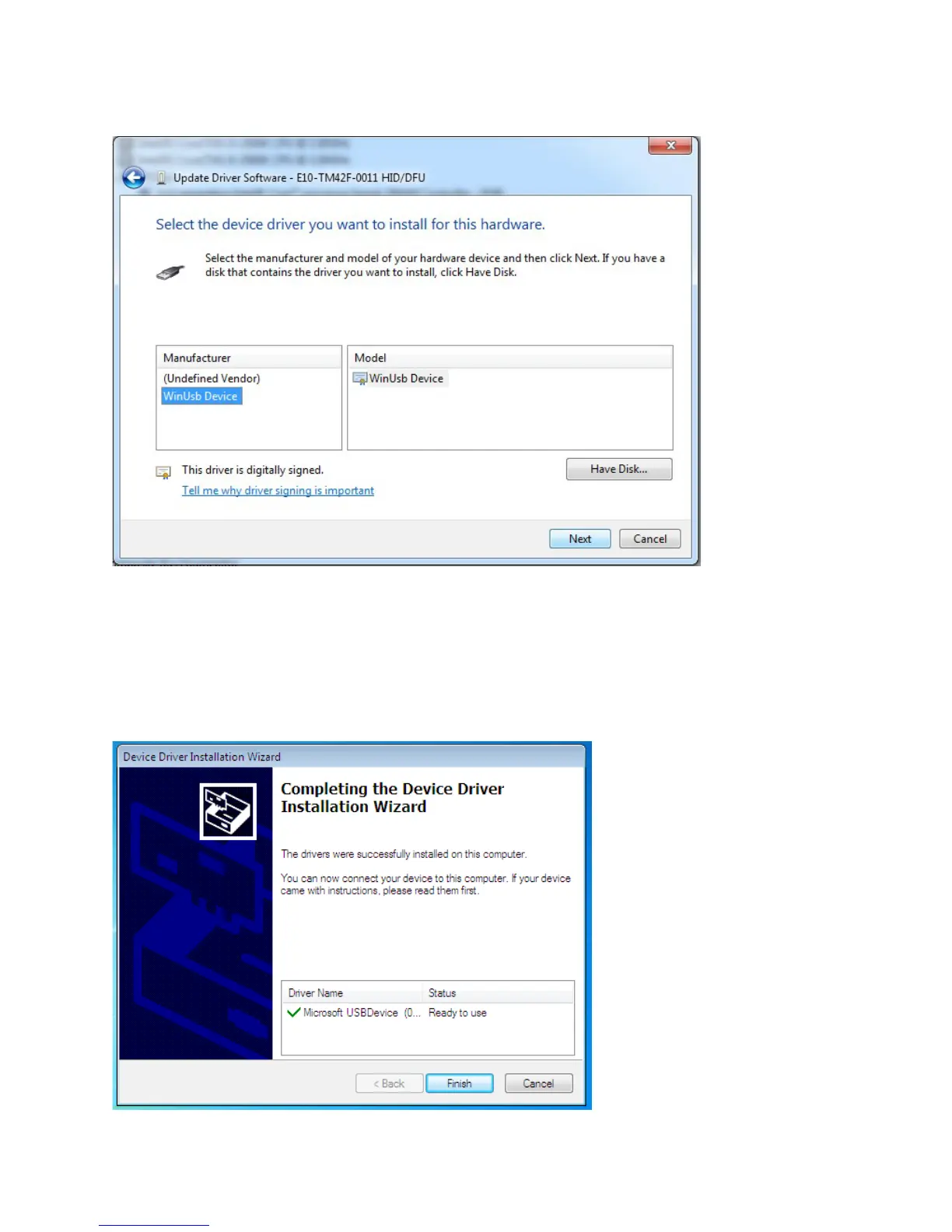
7. Select the WinUsb device driver, and click Next. (If the WinUsb device driver is not in the list, please follow the
steps
under "Manual Driver Installation - Device Not Connected" first).
Manual Driver Installation - Device Not Connected
1. Extract the firmware upgrade .zip file (right-click --> Extract all...) to the Desktop.
2. Navigate to the "support" folder.
3. Right-click on the
install_driver.bat
file and select "Run as administrator" and follow the instructions.



 To Next Page