To update firmware, you need a USB type A to USB type B cable (available at any
electronics store). Don’t connect the cable until these instructions tell you to do so.
IMPORTANT! While the firmware is being downloaded to the projector, do not shut down
the computer or projector or disconnect the USB cable. This could result in flash memory
damage, requiring the projector to be returned for service.
Firmware upgrade procedure:
1. Copy “FlashDeviceParameters.txt” into C:\Program Files\DLP Composer Lite 11.0.2
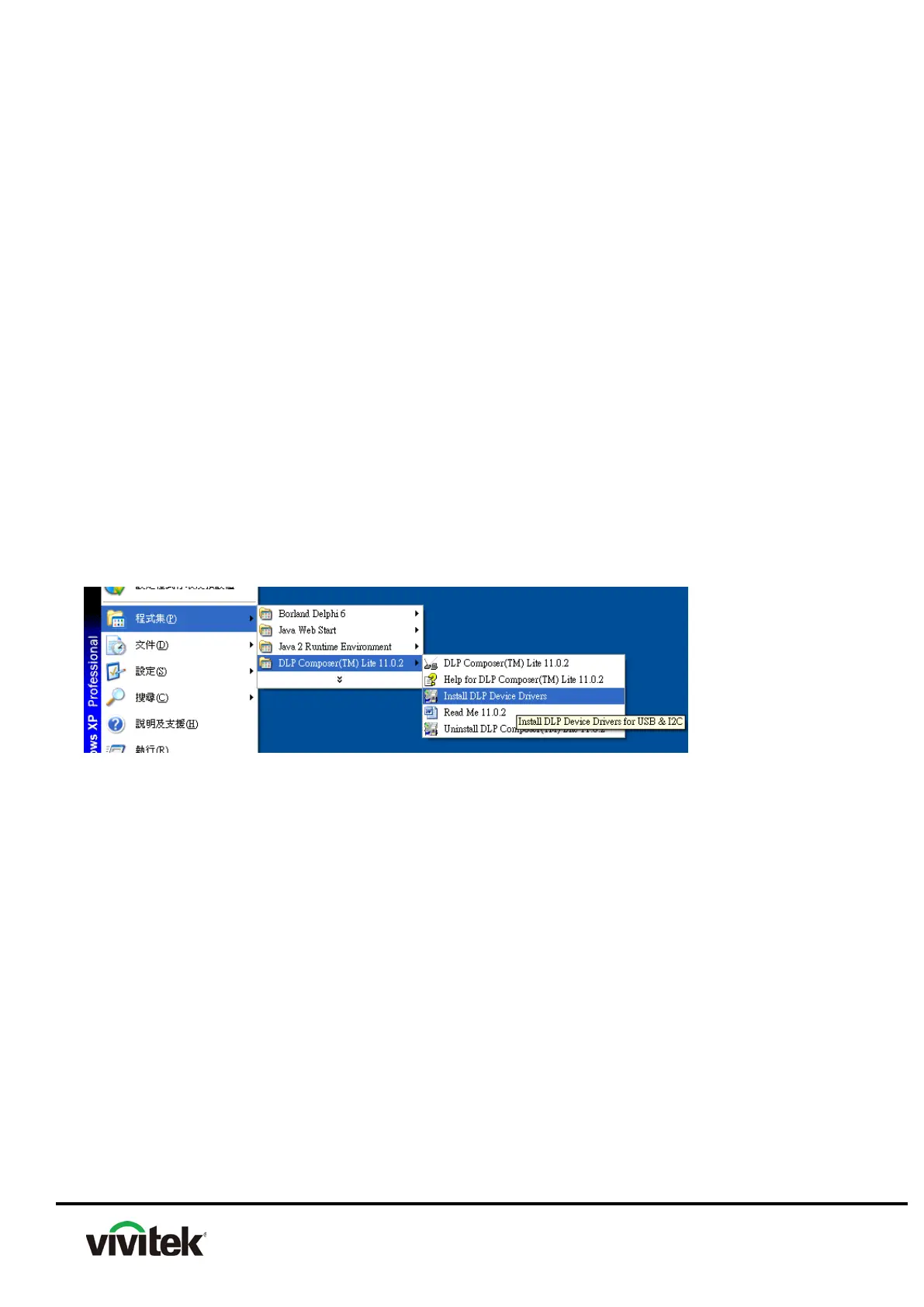
2. Close the Composer , execute〝Install DLP Device Drivers〞
Please click the” Install DLP Device Drivers” (as below graphic) to install USB Driver.
3.After launch DLP Device Drivers installer, please select "Microsoft WinUsb" when the
operating system is Windows 7 (as graphic below) or select "Jungo WinDriver (WinXP)"
when operating system is Windows XP (as graphic below). Then follow on screen instruction
to install DLP Device Drive.
On Windows 7



 To Next Page