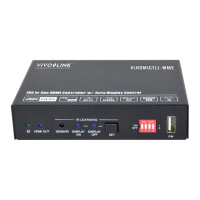
18G In-line HDMI Controller with Auto Display Control
10
6.1 RS232 Command Setting
The trigger methods of SYSTEM ON or SYSTEM OFF, and CEC, RS232, IR, Relay
control actions can be set by RS232 commands.
6.1.1 RS232 Control Software
Installation: Copy the control software file to the PC which is connected to the
controller.
Uninstallation: Delete all the control software files in corresponding file path.
Here take the software CommWatch.exe as example. Double-click the following icon:
The interface of the control software is shown as below:


 To Next Page
 Loading...