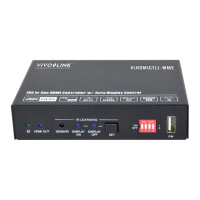
18G In-line HDMI Controller with Auto Display Control
14
RS232 OFF to XX (default 2s, range of
1S to 10s).
SET RS232 OFF SEND DELAY
TIME 2S!
Report the sending interval time between
RS232 ON and RS232 USER.
DELAY TIME BETWEEN RS232
ON AND RS232 USER 3S!
Report the sending number of RS232
OFF
Report the two times sending interval
time of RS232 OFF.
RS232 OFF SEND DELAY TIME
2S!
Learns the IR command from IR remote.
READY STUDY IR DISPLAY
OFF,PLEASE REMOTE
CONTROL RECEIVER IN 10S!
Send the learned IR command.
Set the sending interval time between IR
ON and IR USER to XXX (default 3s,
range of 1S to 180s).
SET DELAY TIME BETWEEN IR
ON AND IR USER 3S!
Set the sending number of IR OFF to X.
SET SEND IR OFF TWO TIMES!
Set the two times sending interval time of
IR OFF to XX (default 2s, range of 1S to
10s).
SET IR OFF SEND DELAY TIME
2S!
Report the sending interval time between
IR ON and IR USER.
DELAY TIME BETWEEN IR ON
AND IR USER 3S!
Report the sending number of IR OFF.


 To Next Page
 Loading...