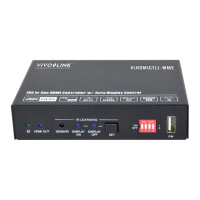
18G In-line HDMI Controller with Auto Display Control
12
the system will off after the setting time.
Set the HDMI video signal trigger
condition.
DETECT INPUT SOURCE USE
5V!
Report the trigger method of SYSTEM
ON.
DETECT VIDEO TRIGGER IN
SYSTEM ON!
Report the trigger method of SYSTEM
OFF.
NO DETECT VIDEO TRIGGER IN
SYSTEM OFF!
Report the delay time of SYSTEM OFF
when the controller detects no input
source signal (5V/TMDS).
DETECT NOSIGNAL DELAY
TIME 300S!
Report the delay time of SYSTEM OFF
when the controller detects no IR sensor
signal.
DETECT NO IR DELAY TIME
300S!
Report the detection method of input
source. 5V/TMDS
DETECT INPUT SOURCE USE
5V!
6.1.3 CEC Control Setting
Turn on display (e.g. TV)
Turn off display (e.g. TV)
6.1.4 RS232 Control Setting
When detects triggering signal,
automatically send ASCII command XXX
to the third-party device (e.g. Projector)
whose baud rate is X.


 To Next Page
 Loading...