VIVOTEK - A Leading Provider of Multimedia Communication Solutions
User's Manual - 29
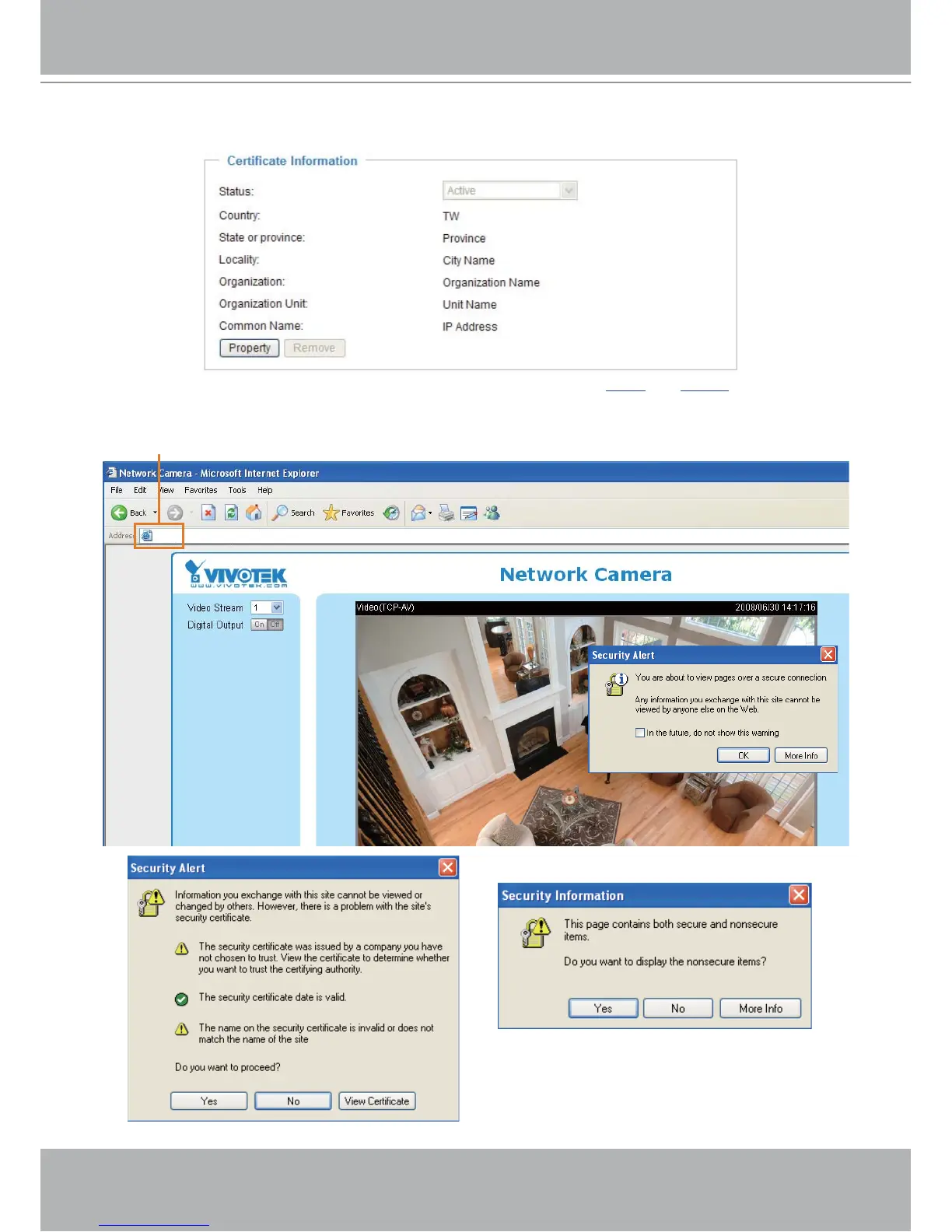
4. The Certificate Information will automatically show up in the third column as below. You can click
Property to see the detailed information of the certificate.
5. Click Home to return to the main page. Change the address from “
http://” to “https://“ on the Address
bar and press Enter on your keyboard. Some Security Alert dialogs will pop up. Click OK or Yes to en-
able HTTPS.
https://192.168.5.151/index.html
https://



 To Next Page