VIVOTEK - A Leading Provider of Multimedia Communication Solutions
User's Manual - 31
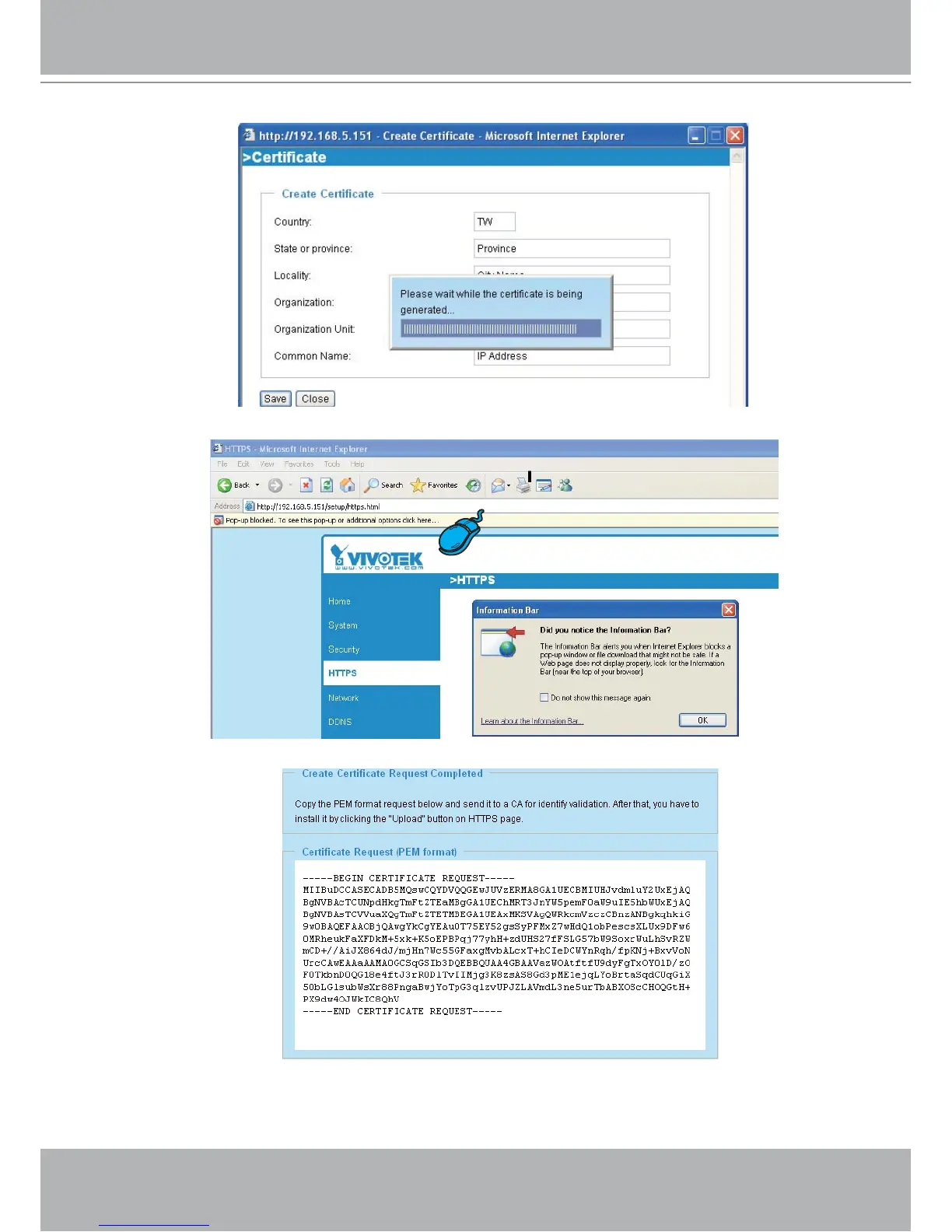
3. If you see the following Information Bar, click OK and the menu bar on the top of the page to allow the
Pop-ups.
4. The Pop-up window shows an example of a certificate request.
5. Look for a trusted certificate authority that issues digital certificates. Enroll the Network Camera. Wait
for the certificate authority to issue a SSL certificate; then upload the issued certificate on the second
column.
6. Please refer to step 4. and 5. on page 29.



 To Next Page