VIVOTEK - A Leading Provider of Multimedia Communication Solutions
User's Manual - 45
Note that when the frame size is set to 176 x 144 as the right picture below, only time will be stamped on
video streams.
Fix iris
Advanced mode
: If it is the first time to install the Network Camera, it is suggusted to select
this item to set up the iris at the maximum value; then adjust the zoom factor and focus range. Upon
completion, uncheck this item to enable auto iris.
Image Settings
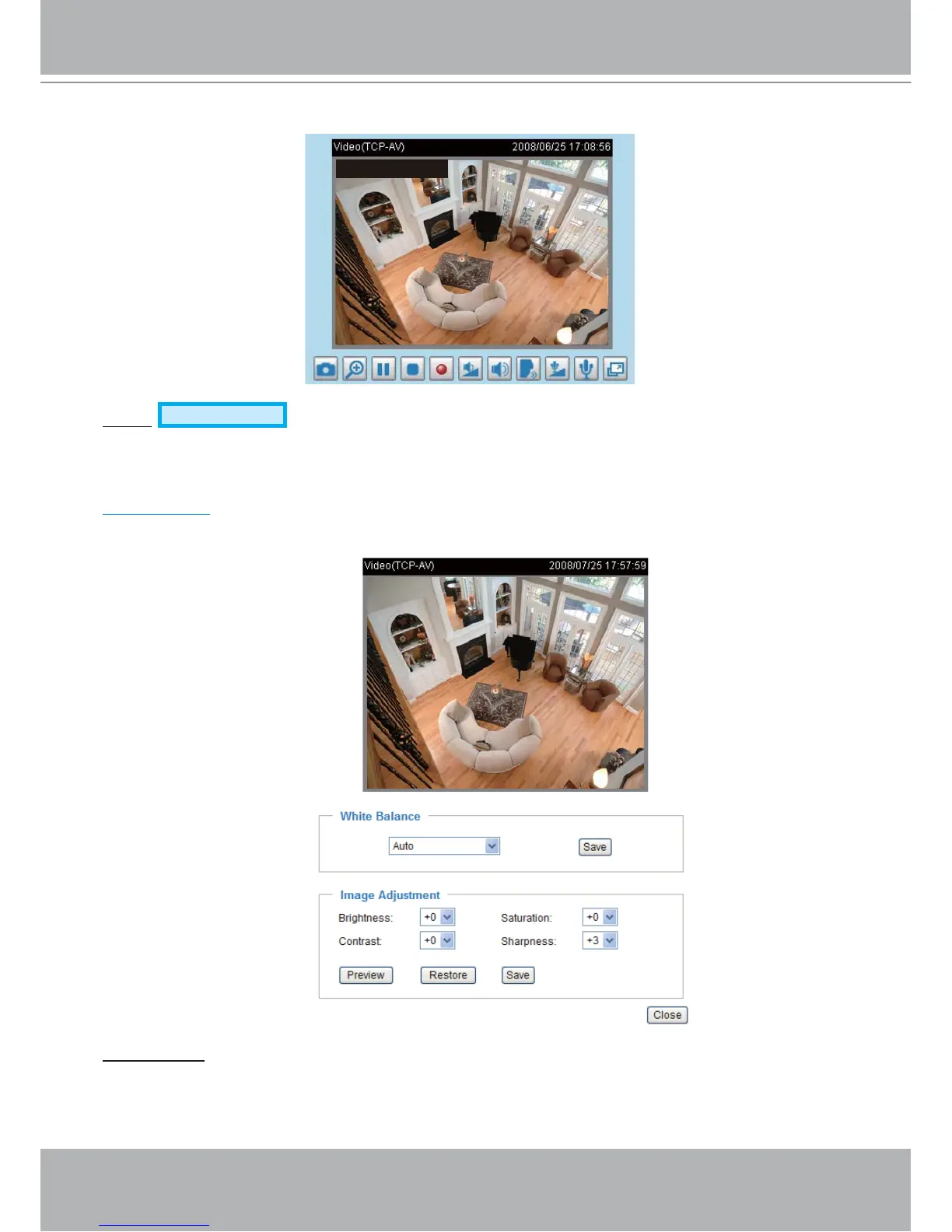
Click Image settings to open the Image Settings page. In this page, you can tune White balance,
Brightness, Saturation, Contrast, and Sharpness for video compensation.
White balance: Adjust the value for best color temperature.
■ Auto
The Network Camera automatically adjusts the color temperature of light in response to different light
sources. The white balance setting defaults to Auto and works well in most situations.
17:08:56 2008/06/25



 To Next Page