VIVOTEK - A Leading Provider of Multimedia Communication Solutions
User's Manual - 57
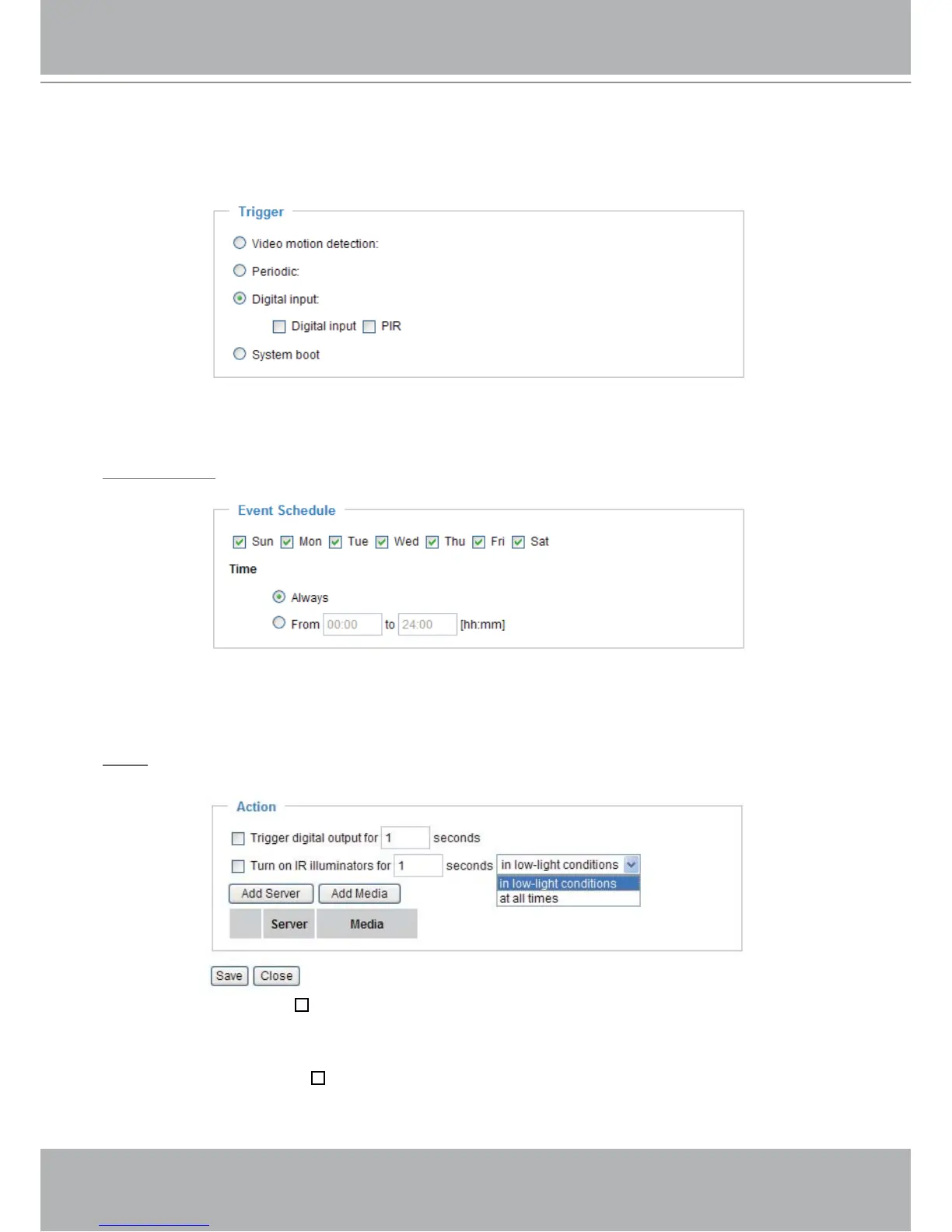
■ Digital input
This option allows the Network Camera to use external digital input device or sensor as a trigger
source. Depending on your applications, there are many choices of digital input devices on the market
which helps to sense any changes in temperature, vibration, sound and light, etc.
■ System boot
This option allows the Network Camera to trigger when the power of Network Camera is disconnected.
Event Schedule
Specify the effective period for the event.
■ Select the days on weekly basis.
■ Select the time for recording in 24-hr time format.
Action
Define what actions to be performed by the Network Camera when a trigger is activated.
■ Trigger digital output for
seconds
Select this option to turn on external digital output device when a trigger is activated. Specify the length
of trigger interval in the text box.
■ Turn on IR Illuminators for
seconds
Select this to turn on IR Illuminators when a trigger is activated every time or only in low light
conditions. Specify the length of trigger interval in the text box.



 To Next Page