VIVOTEK - A Leading Provider of Multimedia Communication Solutions
66 - User's Manual
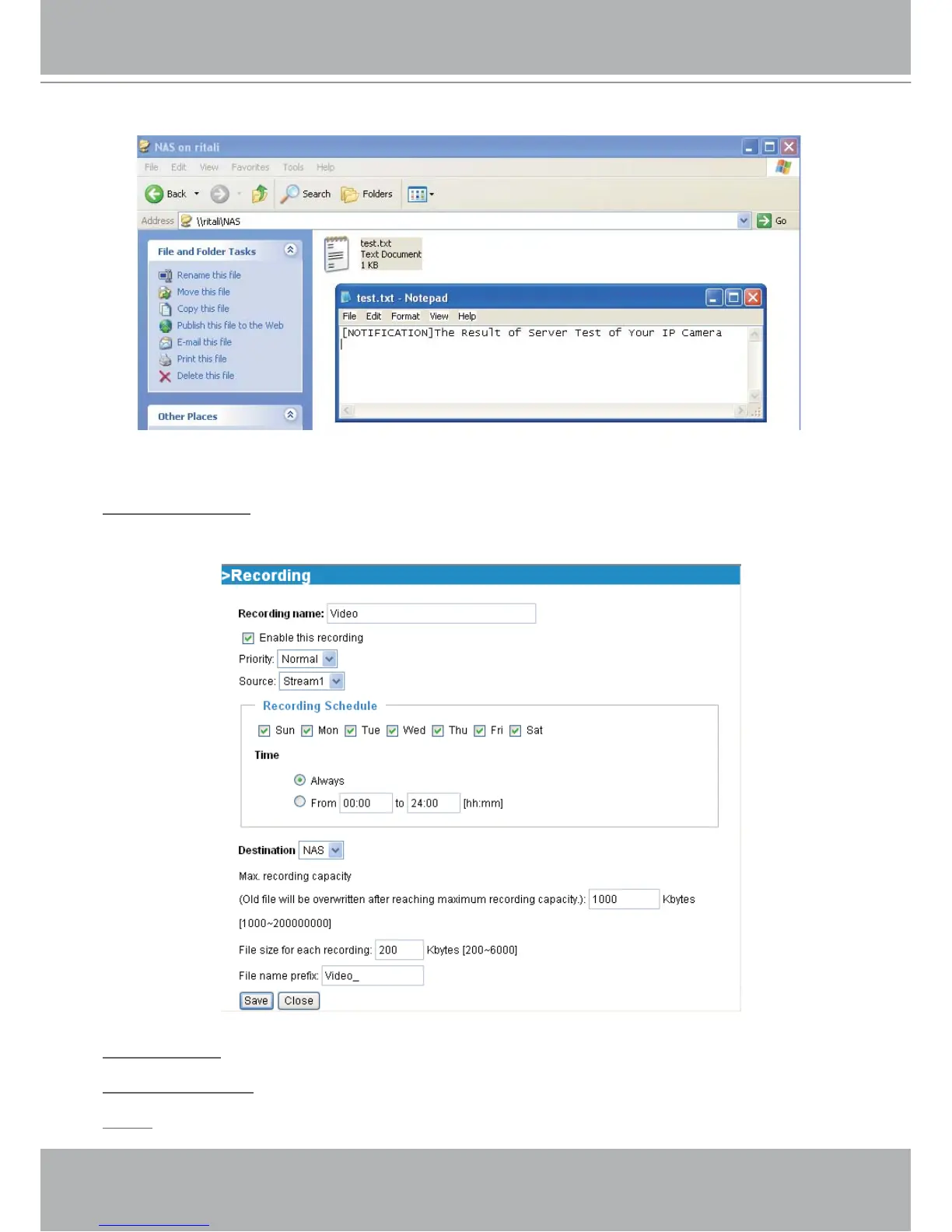
If it works, you will also receive a test.txt file on the network storage server.
3. Enter a descriptive server name.
4. Click Save to finish the setting and click Close to quit the page.
Recording Settings
Click Add to open the recording setting page. In this page, you can define the recording source,
recording schedule and recording capacity. A total of 2 recording settings can be configured.
Recording name: Enter a descriptive name for the recording setting.
Enable this recording: Select this option to enable video recording.
Priority: Select the relative importance of this recording setting (High, Normal, and Low).



 To Next Page