VIVOTEK
User's Manual - 107
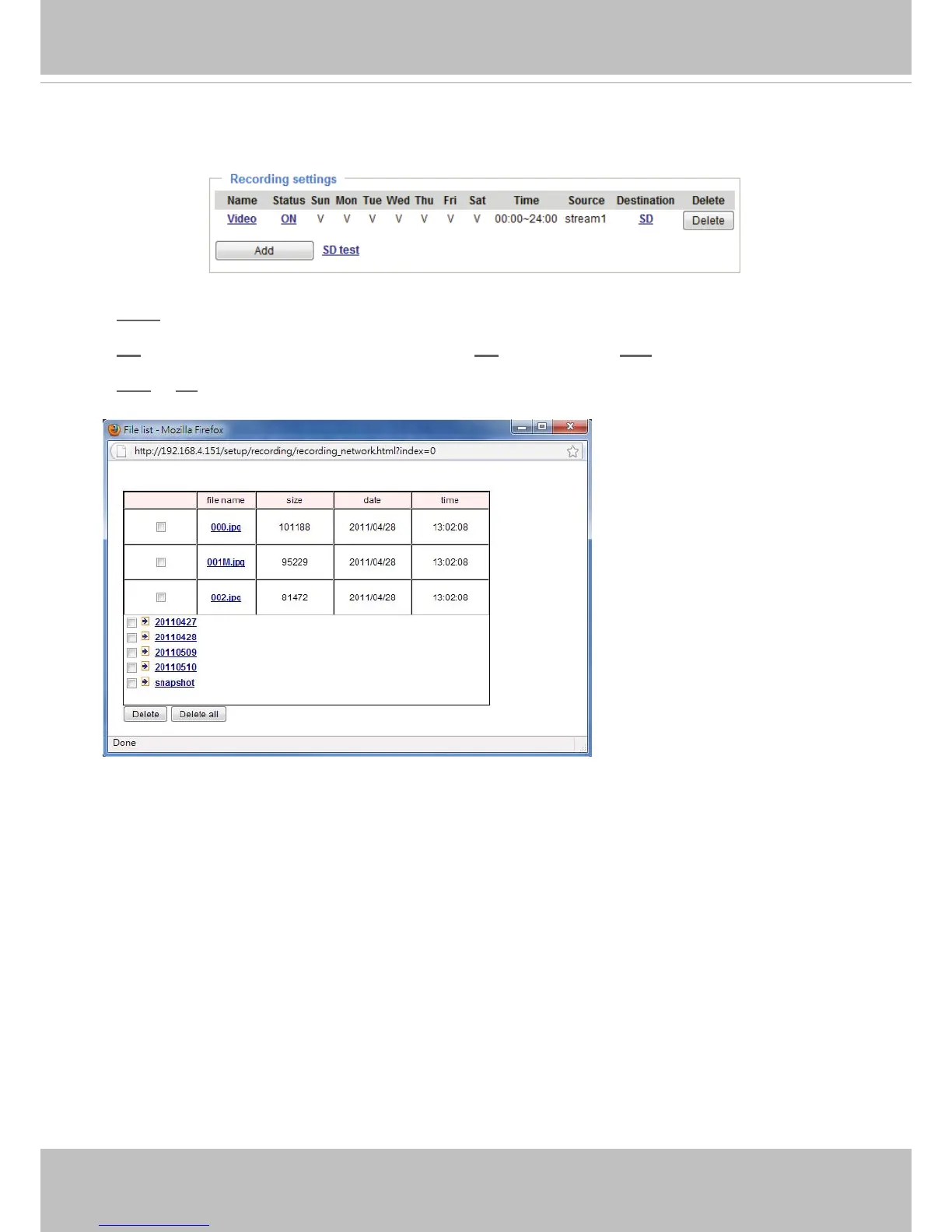
card� The new recording name will appear on the recording page as shown below�
To remove an existing recording setting from the list, single-click to select it and click Delete�
■ Video (Name): Click to open the Recording settings page to modify�
■ ON (Status): Click to manually adjust the Status� (ON: start recording; OFF: stop recording)
■ NAS or SD (Destination): Click to open the le list of recordings as shown below. For more information
about folder naming rules, please refer to page 96 for details�



 To Next Page