VIVOTEK
User's Manual - 35
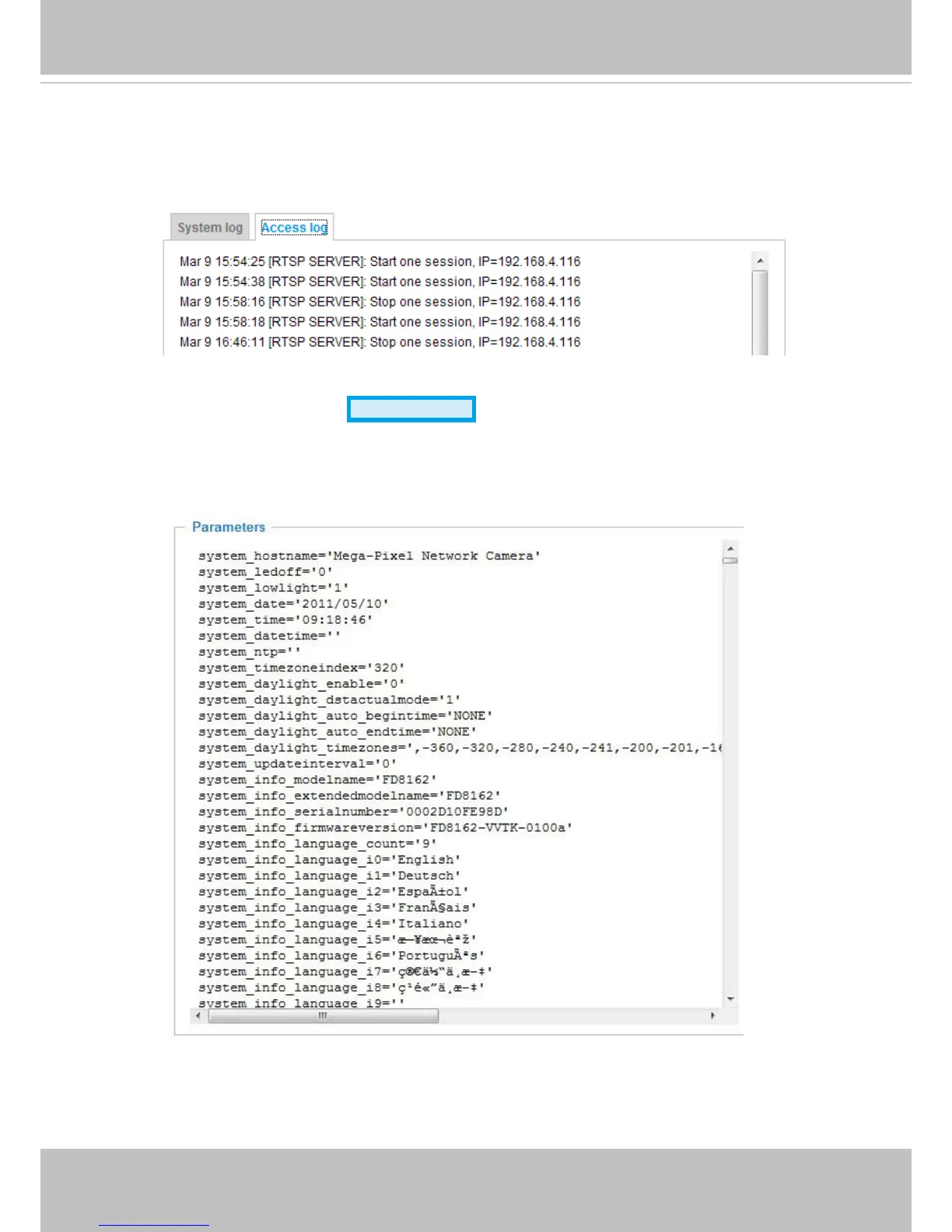
Access log
Access log displays the access time and IP address of all viewers (including operators and
administrators) in a chronological order� The access log is stored in the Network Camera’s buffer and
older events will be overwritten when the number of events reaches a limit�
System > Parameters
Advanced Mode
The View Parameters page lists the entire system’s parameters in an alphabetical order� If you
need technical assistance, use a text-editor program to copy and save the parameters listed on
this page. Send the parameter text le to VIVOTEK’s technical support.



 To Next Page