VIVOTEK
86 - User's Manual
Event > Event settings
Advanced Mode
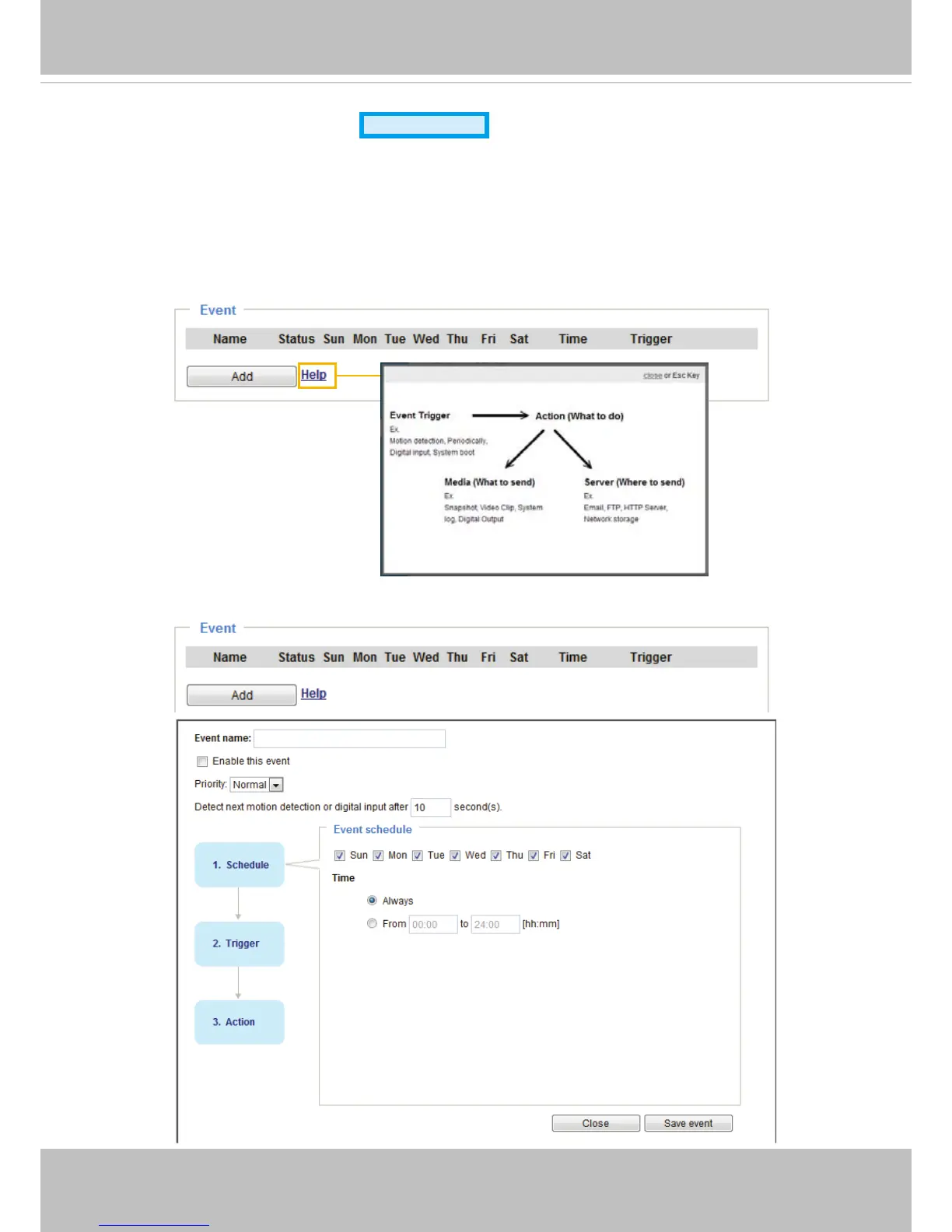
This section explains how to congure the Network Camera to respond to particular situations
(event)� A typical application is that when a motion is detected, the Network Camera sends
buffered images to an FTP server or e-mail address as notifications� Click on Help, there is
an illustration shown in the pop-up window explaining that an event can be triggered by many
sources, such as motion detection or external digital input devices� When an event is triggered,
you can specify what type of action that will be performed�
Event
An event is an action initiated by a user-dened trigger source. In the Event column, click Add to open
the event settings window�



 To Next Page