VIVOTEK - Built with Reliability
User's Manual - 23
Initial Conguration - via a Web Console (Optional)
5
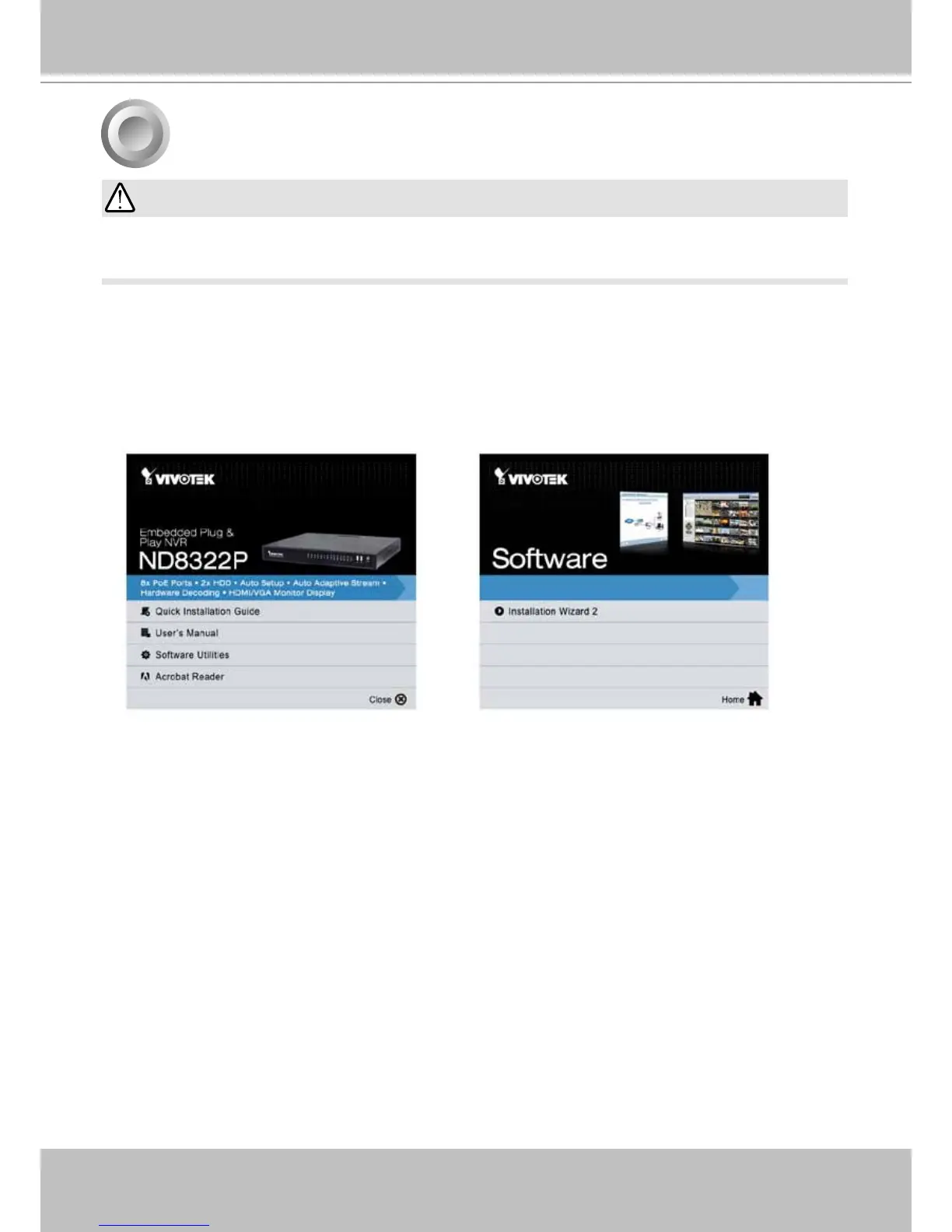
2. From a management computer, install the IW2 utility software included in the product CD.
Follow the onscreen instructions to complete the installation.
1. Press the power switch on the front panel to start the NVR. Wait for the system status LED to
light green.
If you already congured the system using an Ethernet web console, please skip the Auto Setup
steps when you connect the HDMI cable. You may accidentally format your storage volumes.
IMPORTANT:



 To Next Page