VIVOTEK - Built with Reliability
24 - User's Manual
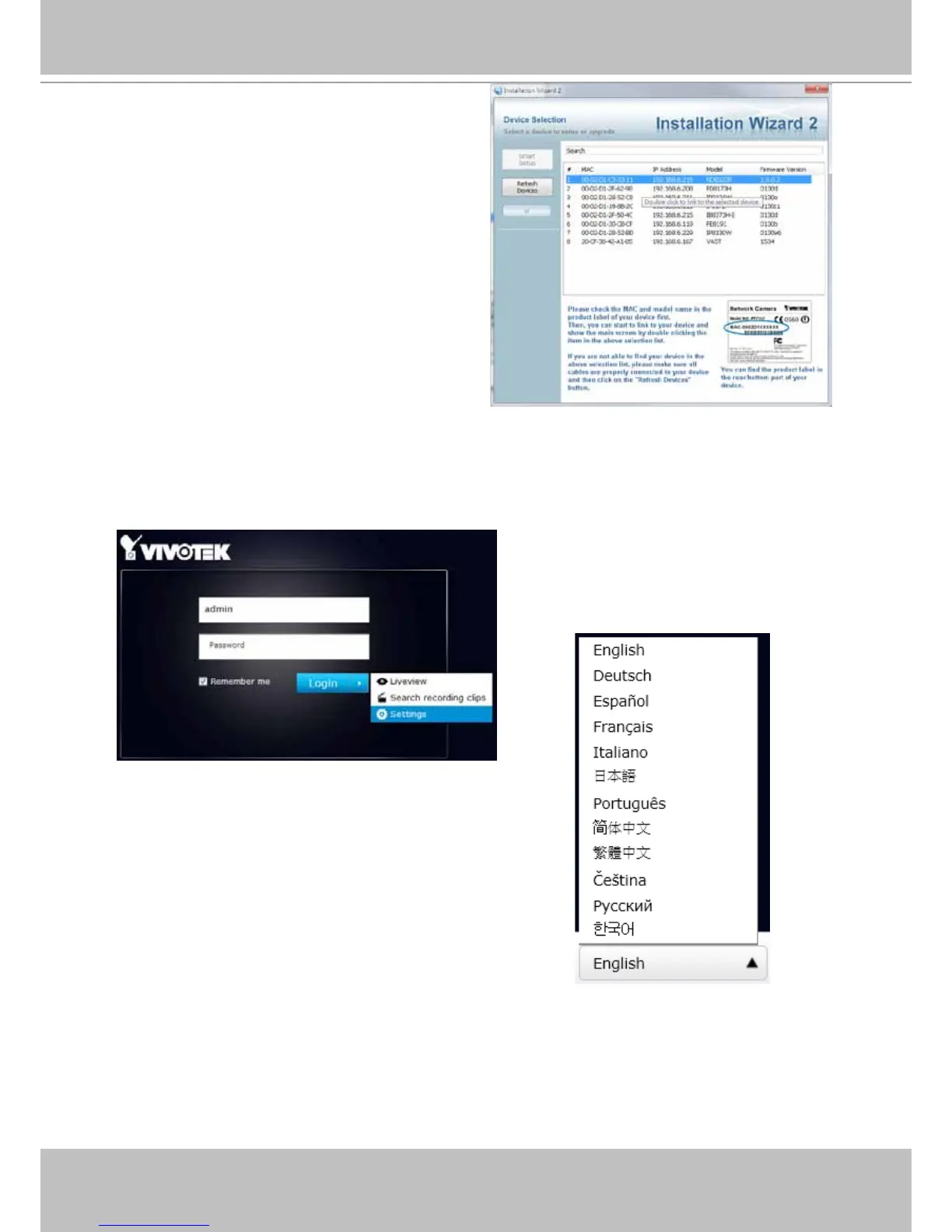
3. Start the IW2 utility. The IW2 utility will
discover the ND8322P located in the same
subnet.
4. Double-click on the ND8322P entry to start a web session with the NVR system.
5. The login page will prompt. Enter "admin" and "admin" as user name and password for
access for the rst time. Expand the menu on the right of the Login button. Select and click on
the Settings button to begin your conguration.
You can select the display language
from the lower left corner of the screen.



 To Next Page