VIVOTEK - Built with Reliability
User's Manual - 25
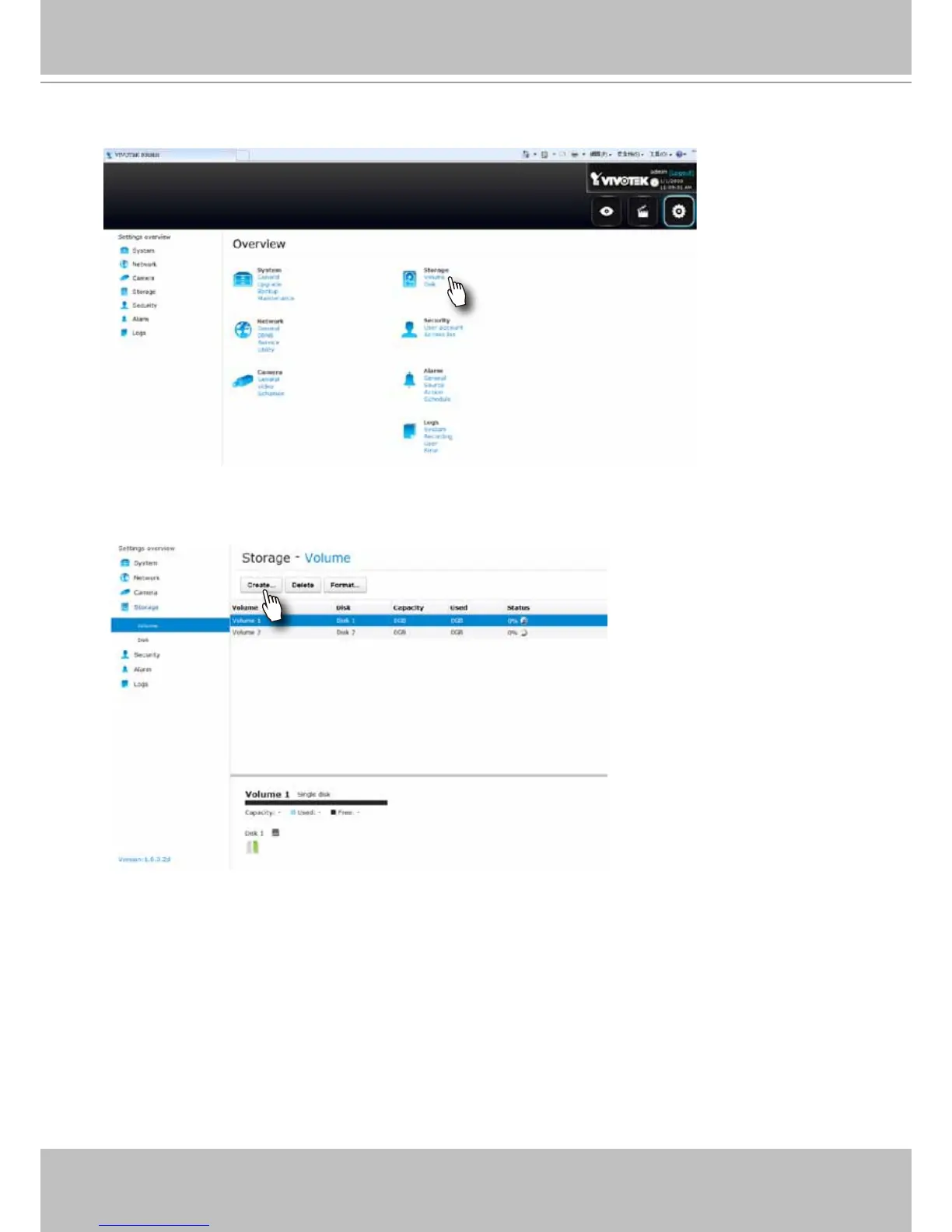
7. On the Storage settings page, check if your hard drives are present and identied by your
system. Click on the Create... button.
8. Refer to the later discussions for the rest of the conguration procedure.
6. On the Settings page, click on Storage > Volume to access your storage volume
conguration.



 To Next Page