VIVOTEK - Built with Reliability
User's Manual - 15
6
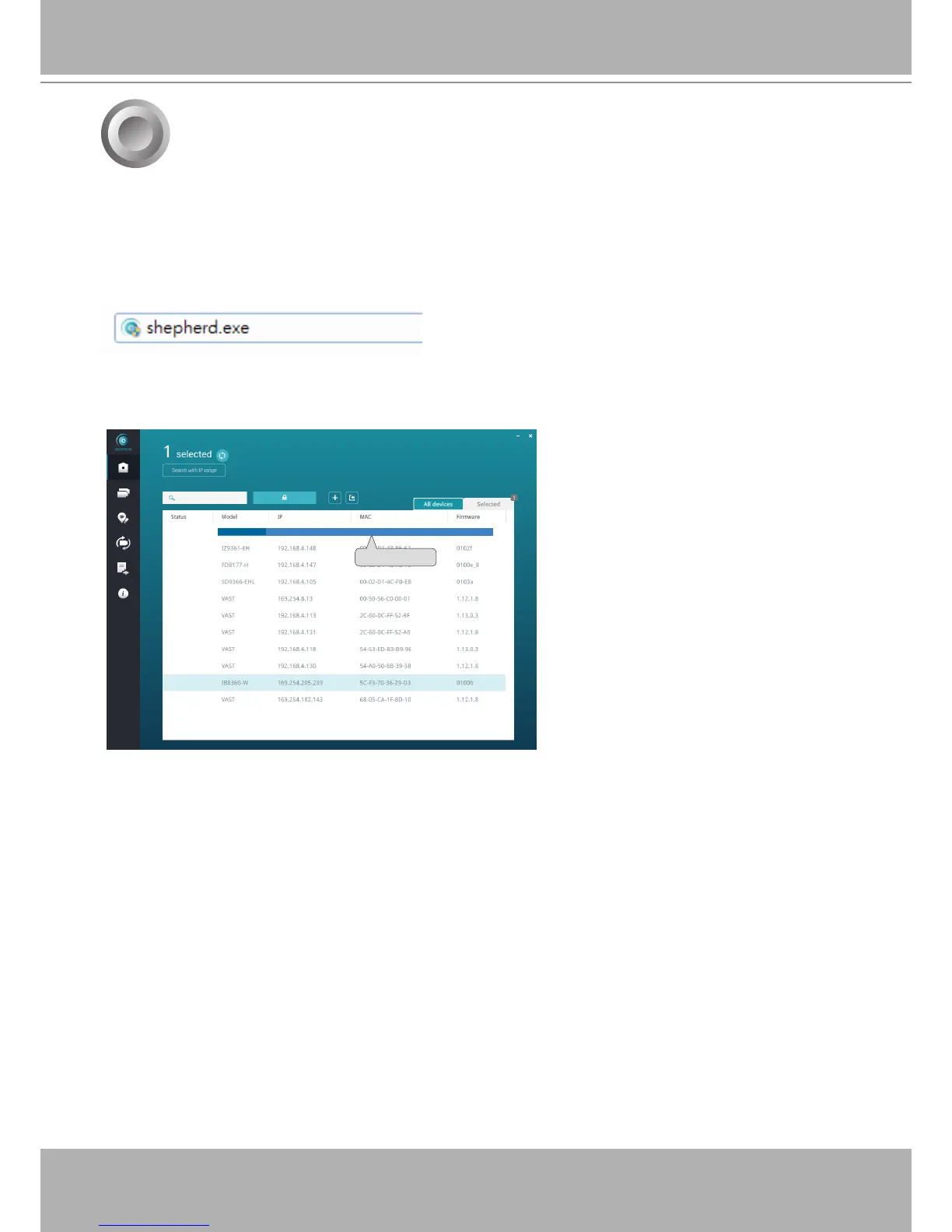
2. From a management computer, download and execute the
Shepherd
utility software. Follow
the onscreen instructions to complete the installation.
1. Connec the power cord to start the Receiver. Wait for the system status LED to light green.
3. Start the Shepherd utility. The Shepherd utility will discover the Receiver located in the same
subnet.
0002D1730202
IB8360-W 192.168.4.151 00-02-D1-73-02-02
RX9401
Initial Conguration - via a Web Console (Optional)
4. Double-click on the RX9401 entry to start a web session with the Receiver system.


 To Next Page