VIVOTEK - Built with Reliability
32 - User's Manual
Chapter Three
Conguation Using the Local Console
The Main Control Portal
3-1. Layout
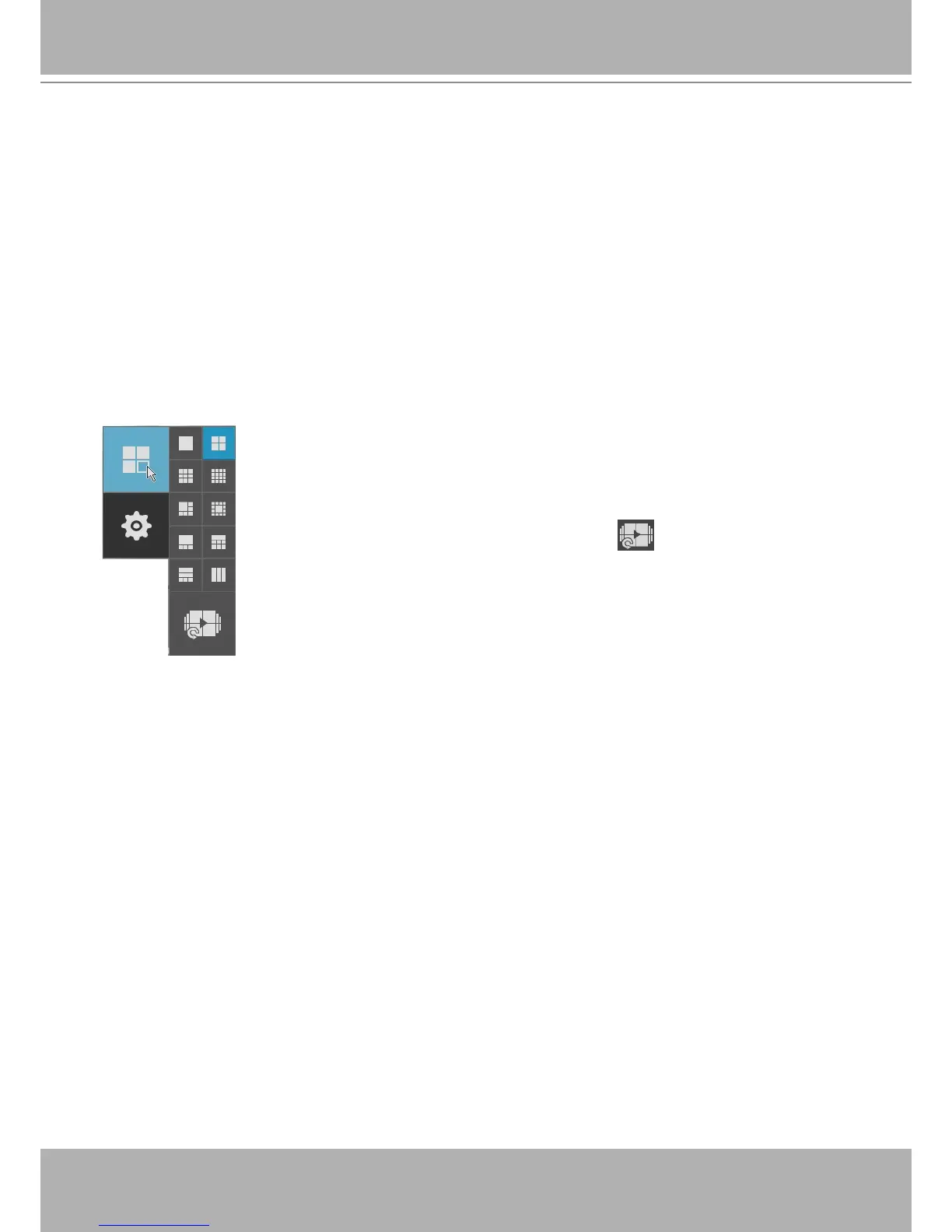
The rst functional button is Layout. You can select the 1x1, 2x2, 3x3, 4x4,
1M+5, 1M+12, 1P+3, 1P+6, 2P+3, 3V layout as the screen display. If you
select the single view layout, the rotation button will appear. Click the
rotation button below to let the system swap the display of different cameras
by every 10 seconds. The rotation speed is congurable via Settings >
System > Display.
Move your mouse cursor across the screen to display the portal.


 To Next Page